
Let's do it together!
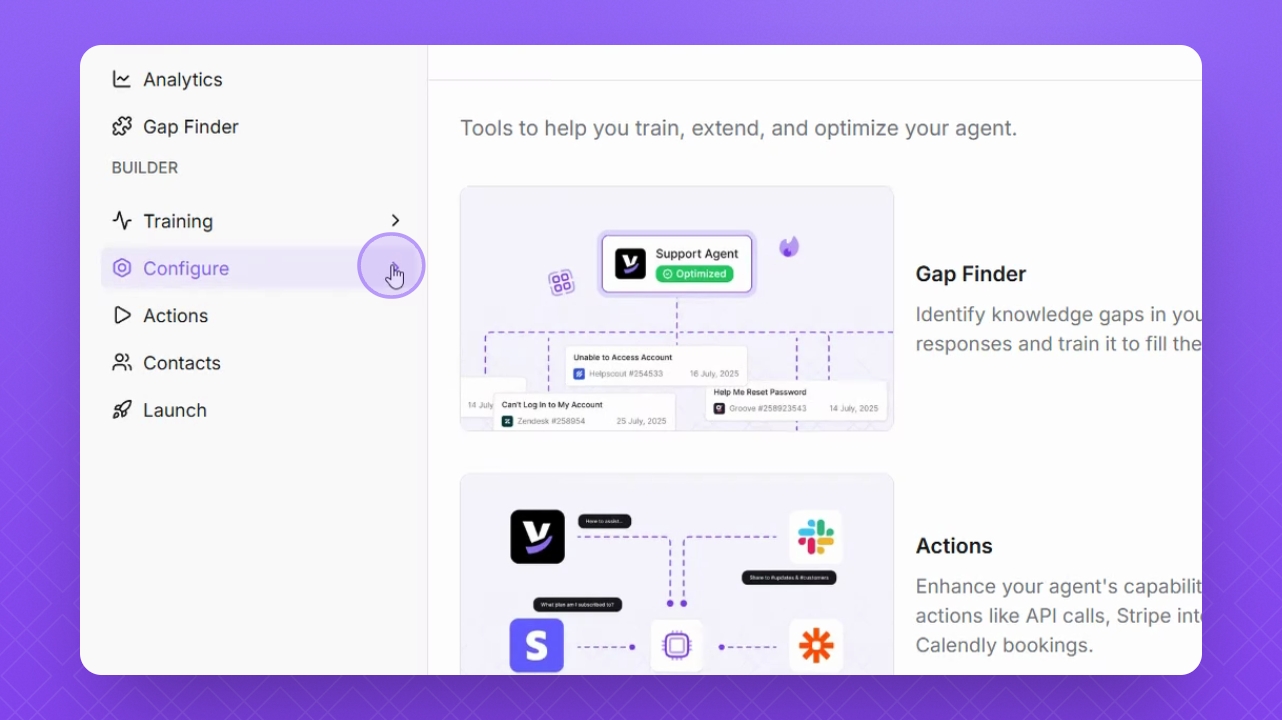
Step 1: Navigate to Configure
Open the Configure section from the left menu.
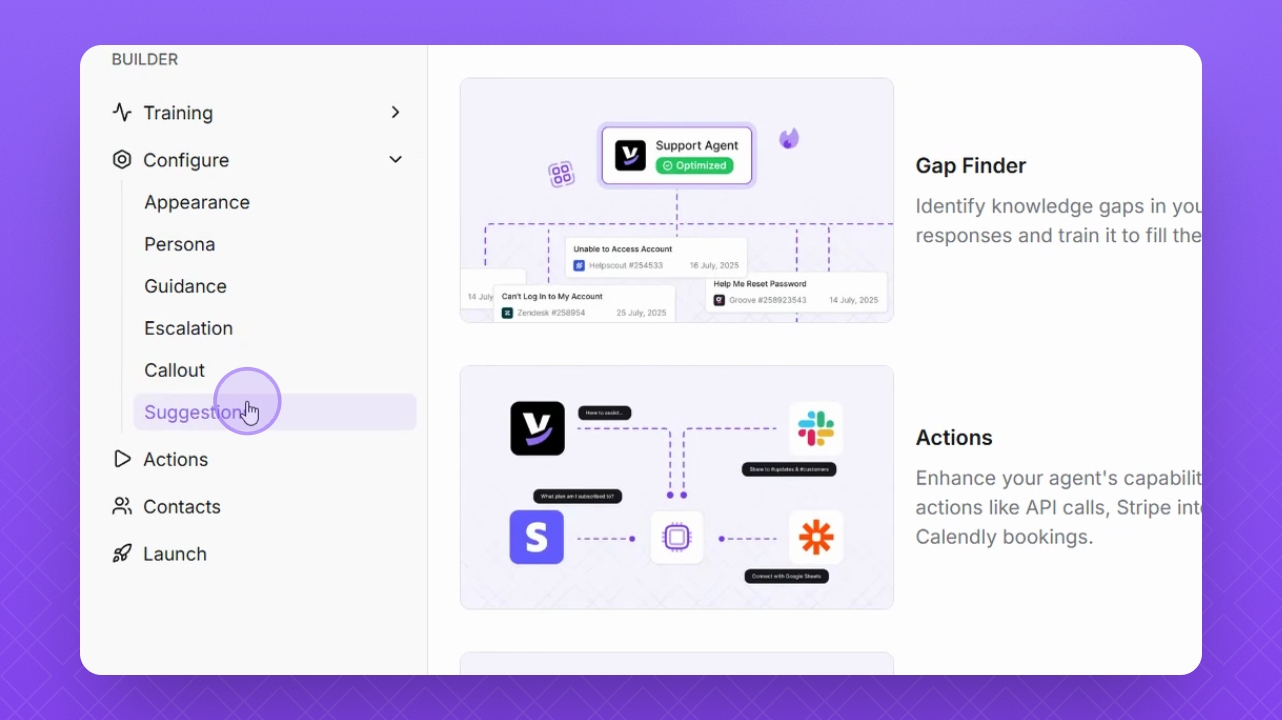
Step 2: Select Suggestions
Click on Suggestions to manage your custom suggestions.
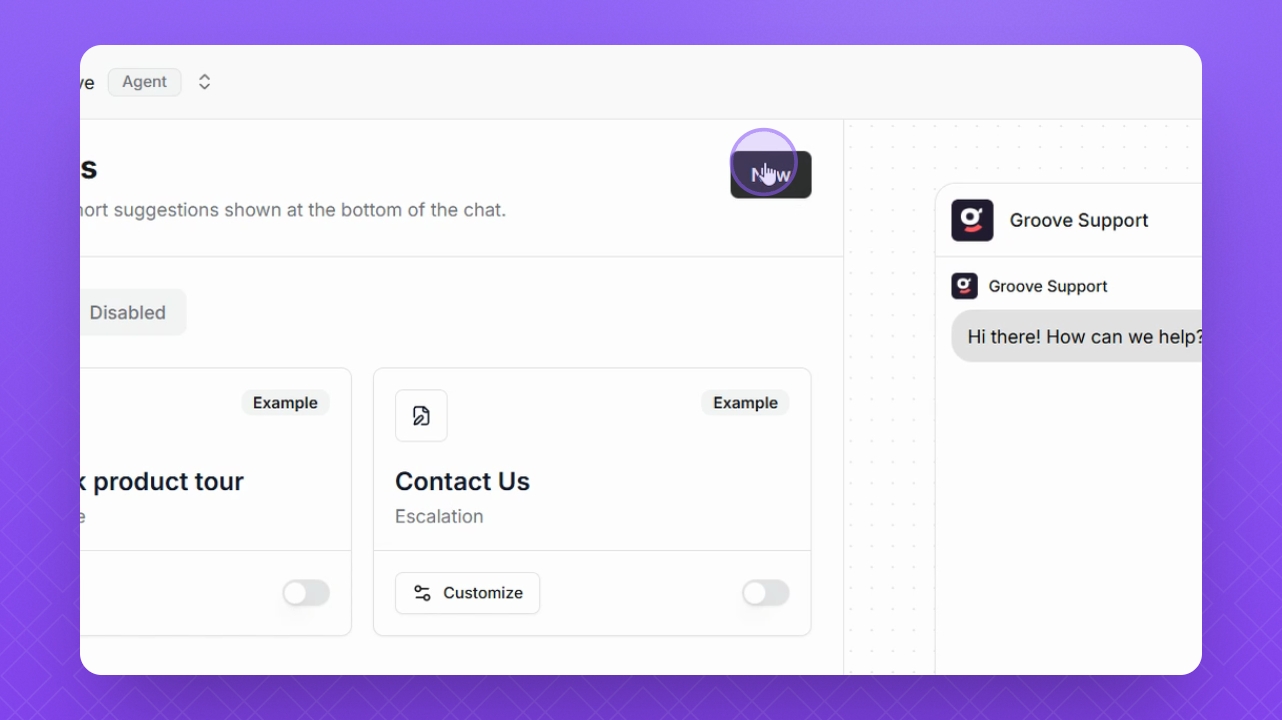
Step 3: Start adding
To add a new suggestion, click New in the top right corner.
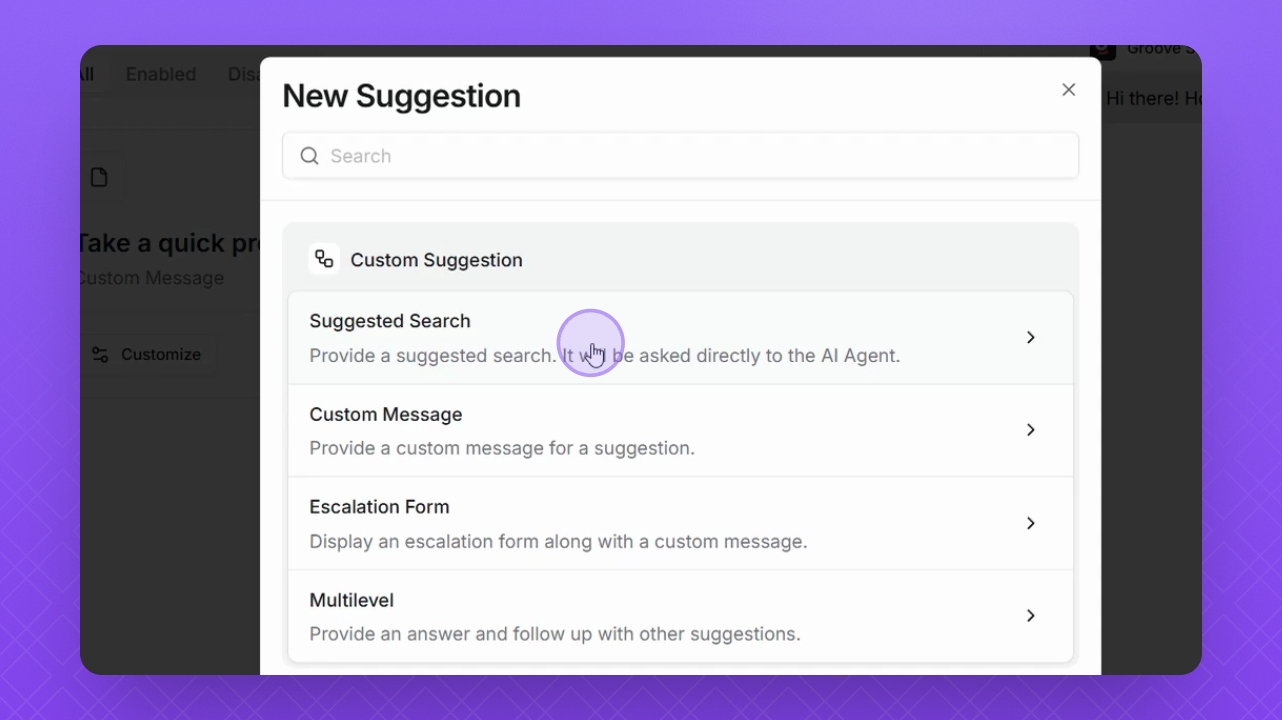
Step 4: Select Suggested Search
Select Suggested Search.
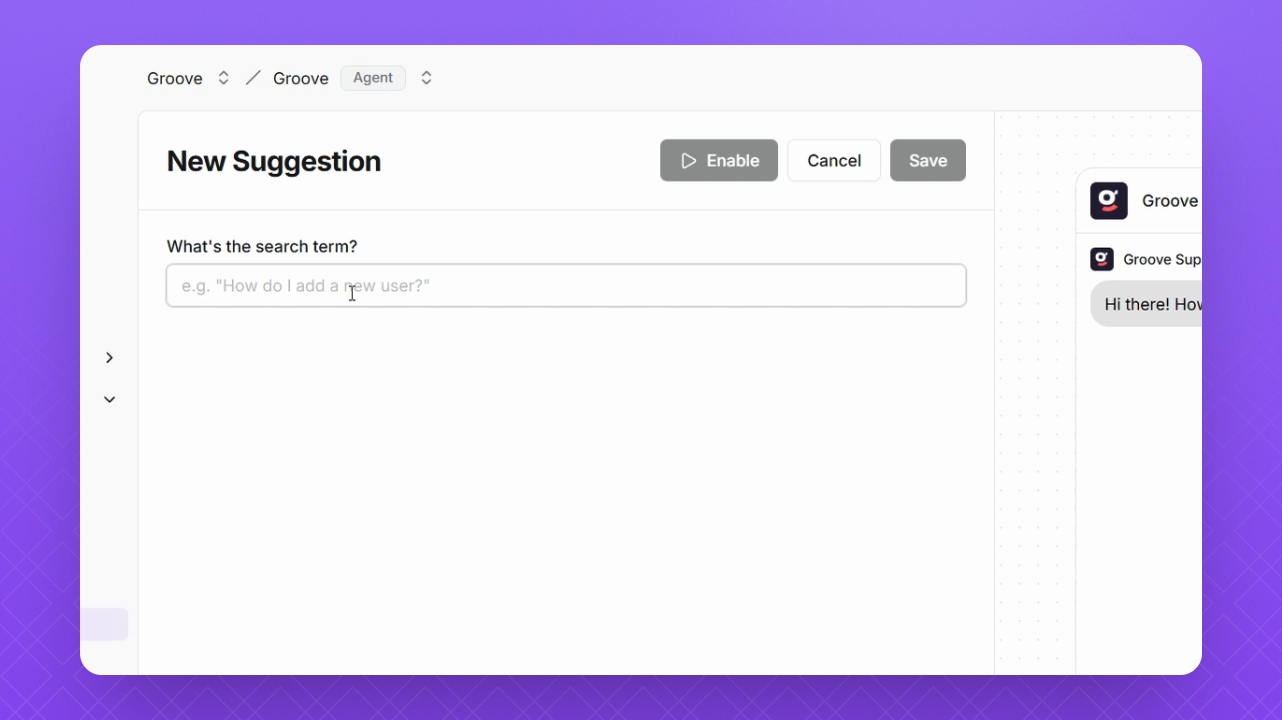
Step 5: Add your query
Input your query prompt in the designated field.
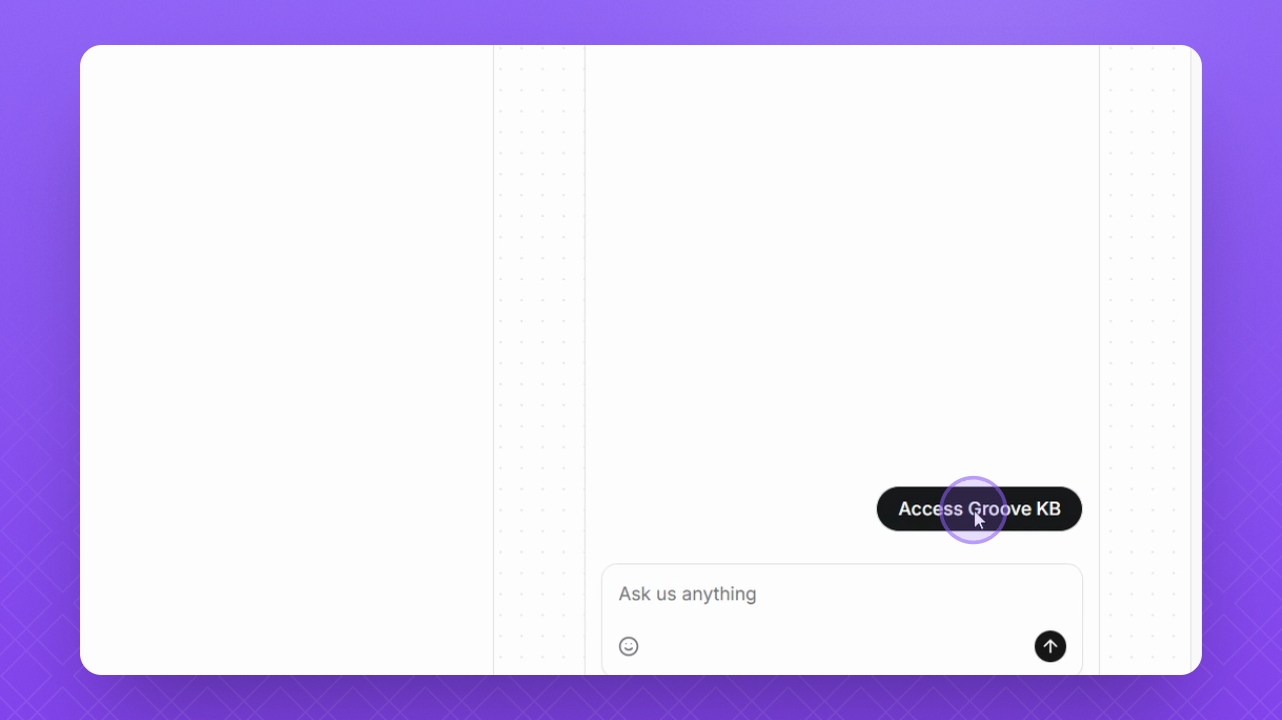
Step 6: Test the suggestion
Click the Suggestion button in the Preview window to test your setup.
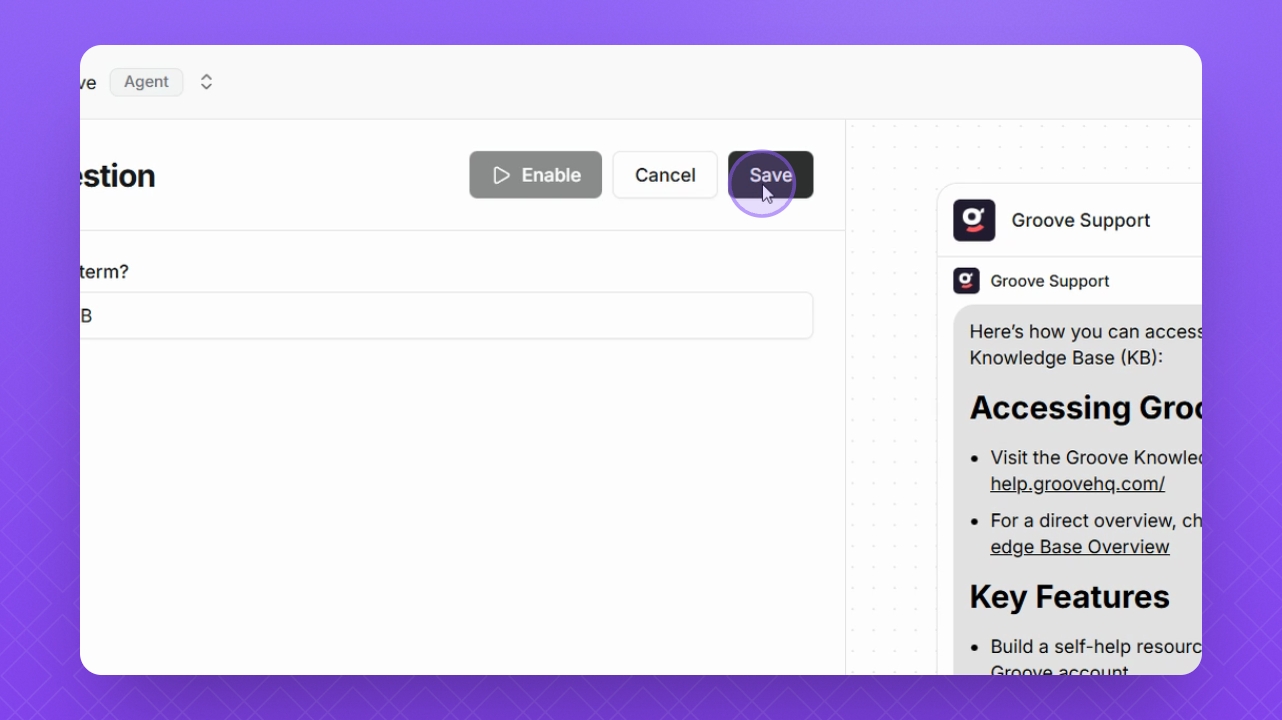
Step 7: Save your work
Once satisfied with the results, click Save to finalize your suggestions.