
Helply
    Getting Started
  • Training
  • Integrations
  • Configure
  • Chats
  • Gap Finder
  • Launch
  • Actions
  • API
  • Analytics
  • Contacts
  • Billing & Administration
Helply

Helply

Chats

Chat States

Identify and differentiate chat states in your system.

Last updated on 25 Jan, 2026

Watch Video

Let's do it together!

Step 1: Understand Resolve

Resolve indicates the helpy agent responded, and the user did not escalate.
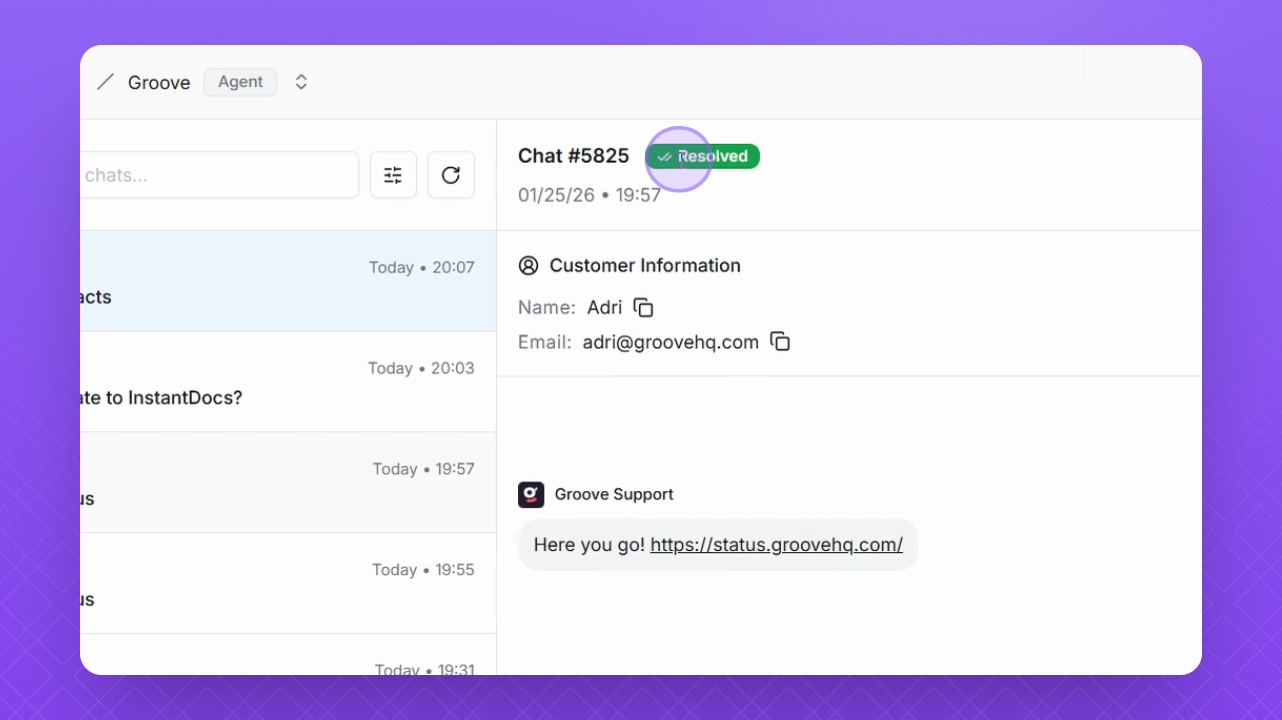
Snapshot

Step 2: Know about Playground

Playgrounds are internal tests by team members, shown with a purple joystick icon.
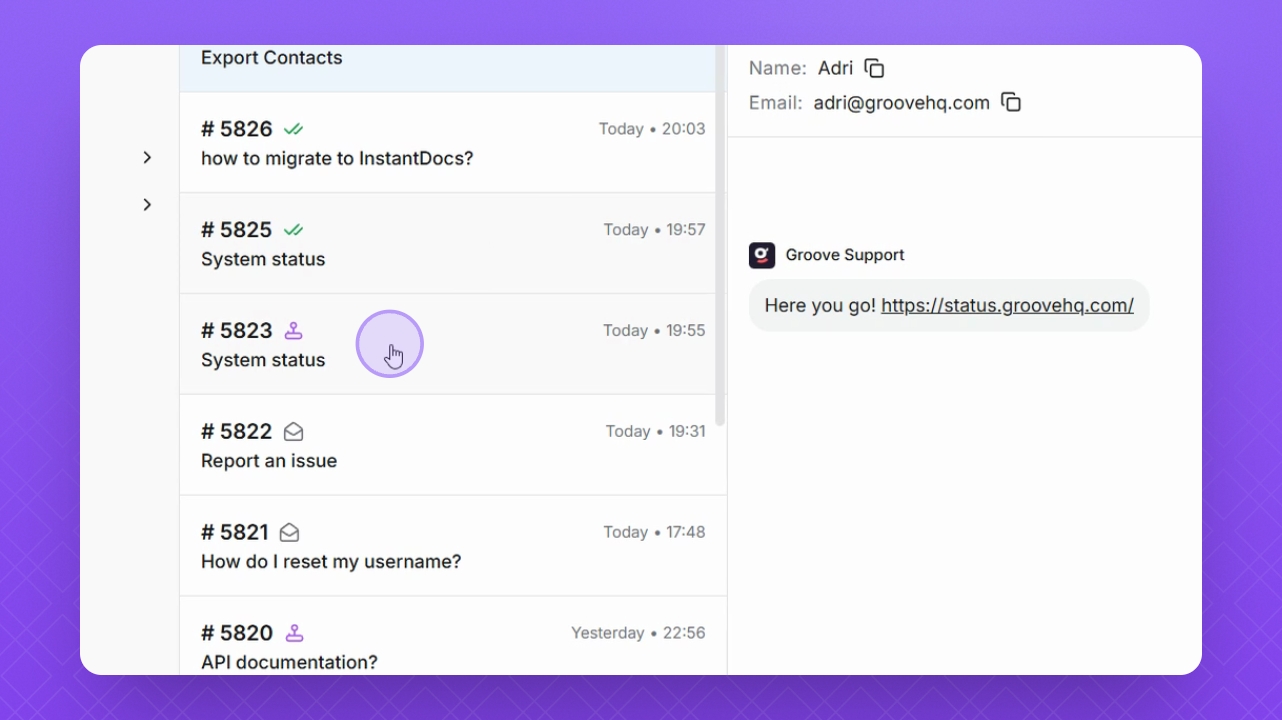
Snapshot

Step 3: Learn about Escalated

Escalated is shown with an open envelope icon, and shows that the user used the escalation form to escalate a ticket directly.
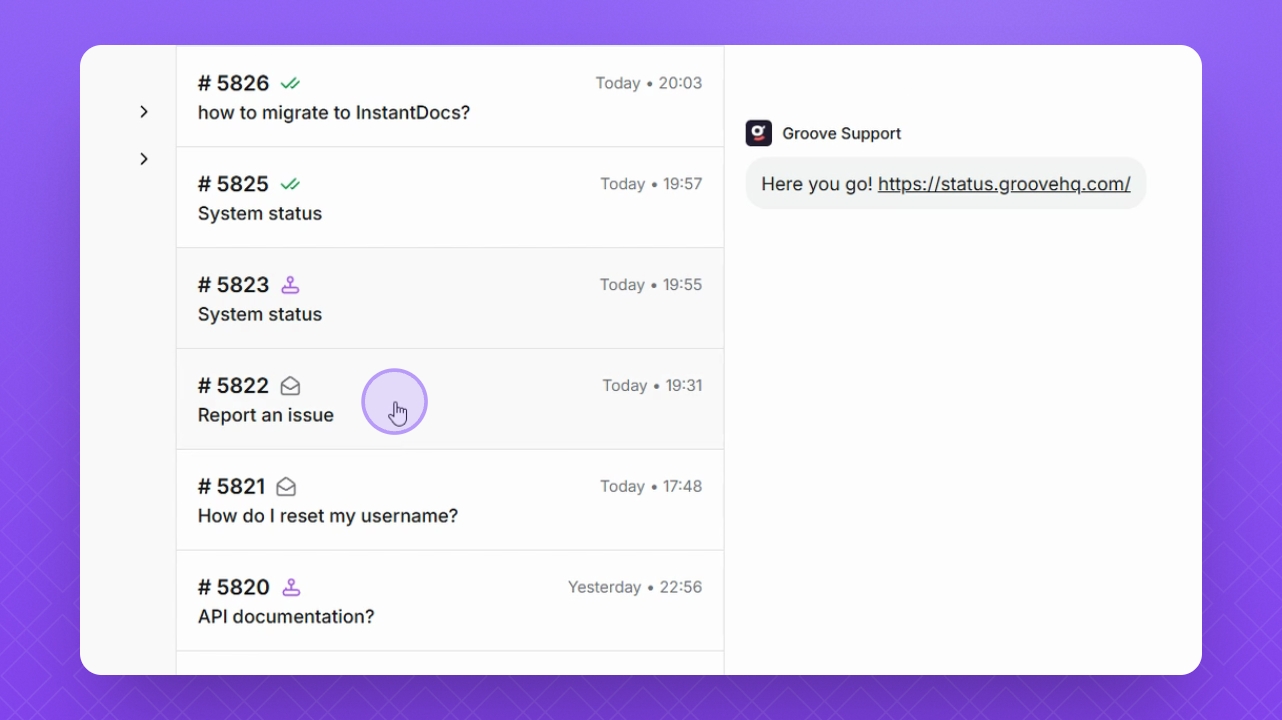
Snapshot

Was this page helpful?
Previous

Utilize Gap Finder Tool

Next

Powered by InstantDocs