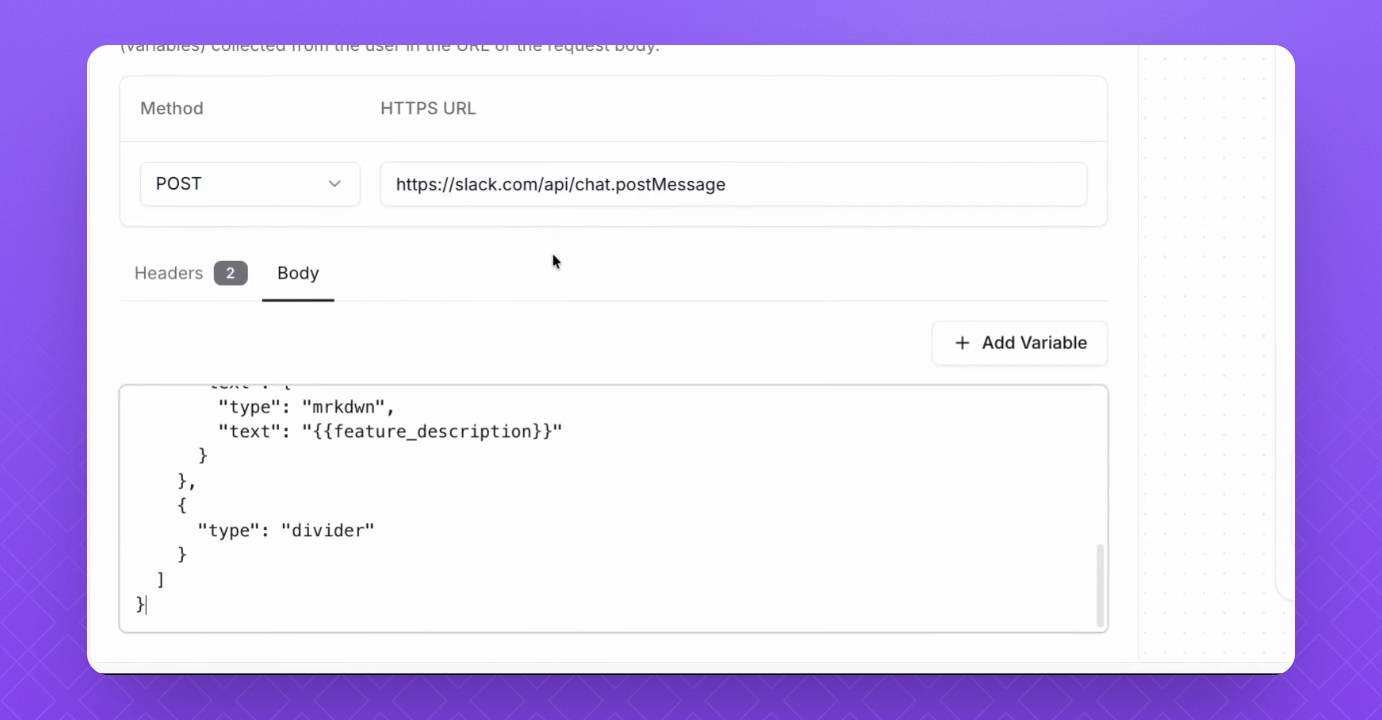

Ai Actions
Api Call is the best way to integrate with external systems. Thanks to this action, you can do a lot of things, like:
gather order status
check availability of product or tickets
send notifications
The video above shows example of making a Slack notification each time user requests a new feature during the conversation.
To create new API Action, follow steps below.
Step 1: Identify the purpose
This action will gather information such as order statuses or user information from Slack.
Action Name: Make sure it reflects the goal of the action. Keep it short.
When to use: AI Agent will use this description to decide if the action should be triggered.
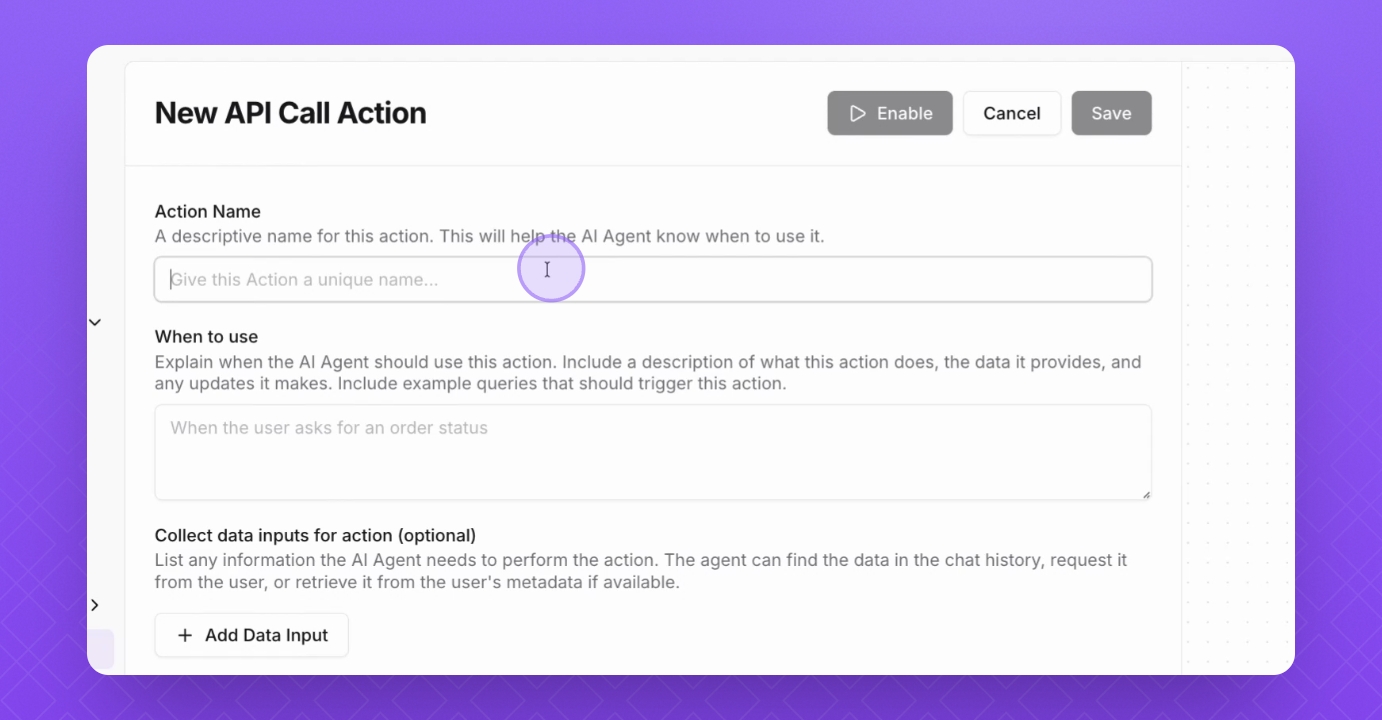
Step 2: Add extra inputs
Include extra inputs that the AI agent will gather from the conversation, like feature description and feature name.
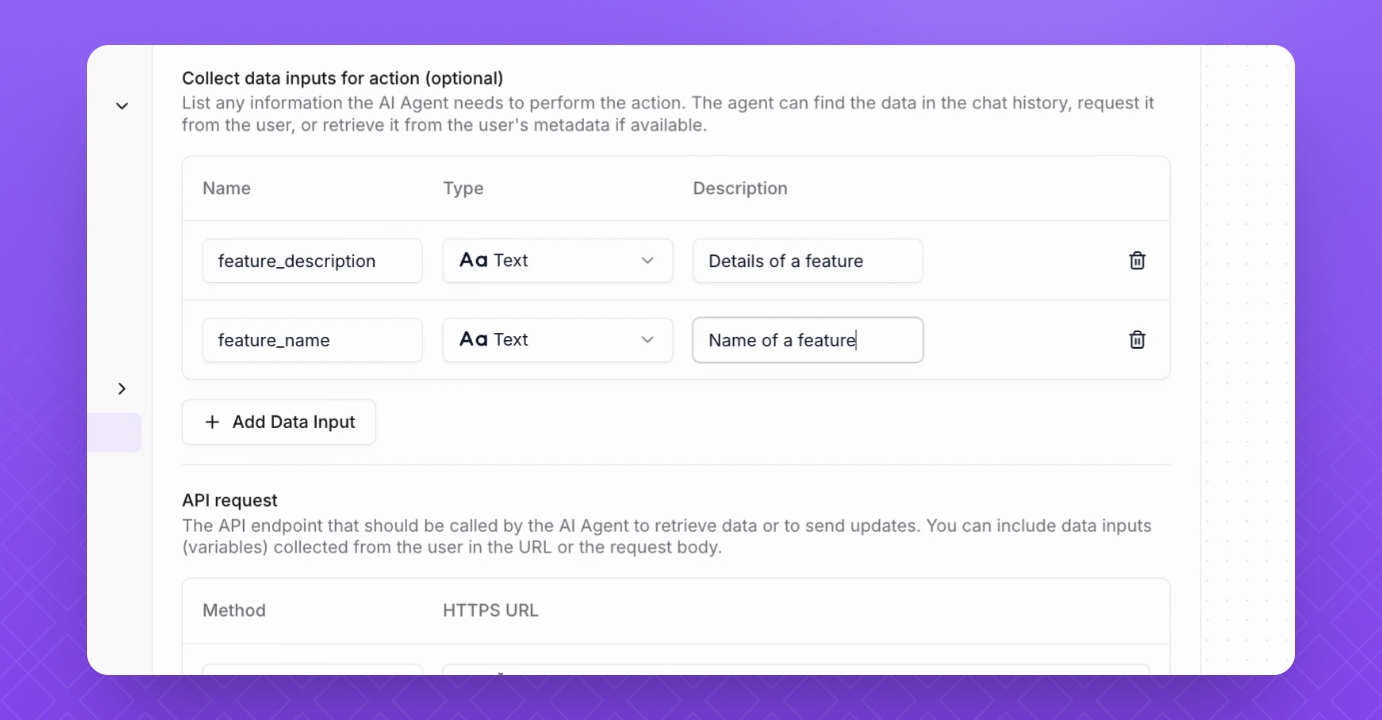
Step 3: Provide endpoint
Provide URL tha AI Agent will use in this action. You can use data input and contact attributes as an variable like {{feature_name}}. To learn more about contacts, check this article
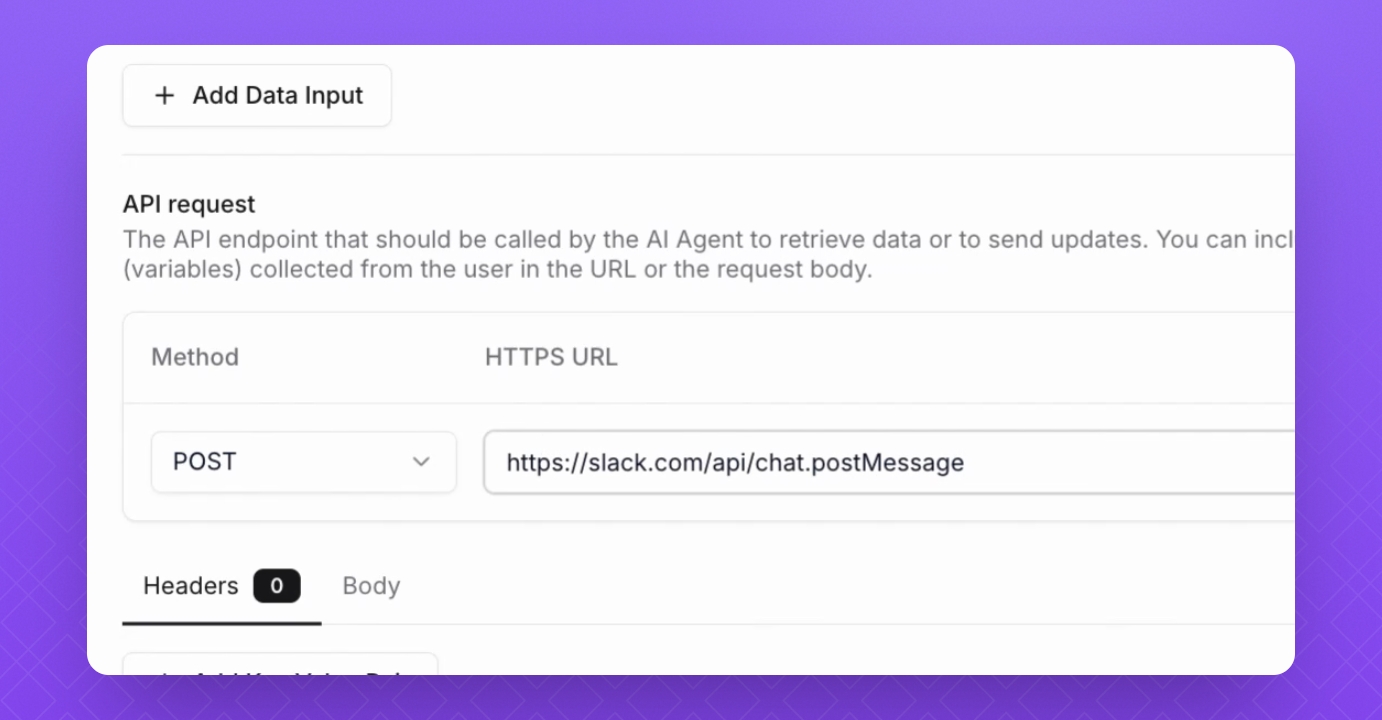
Step 4: Add headers
Incorporate any headers specific to your integration.
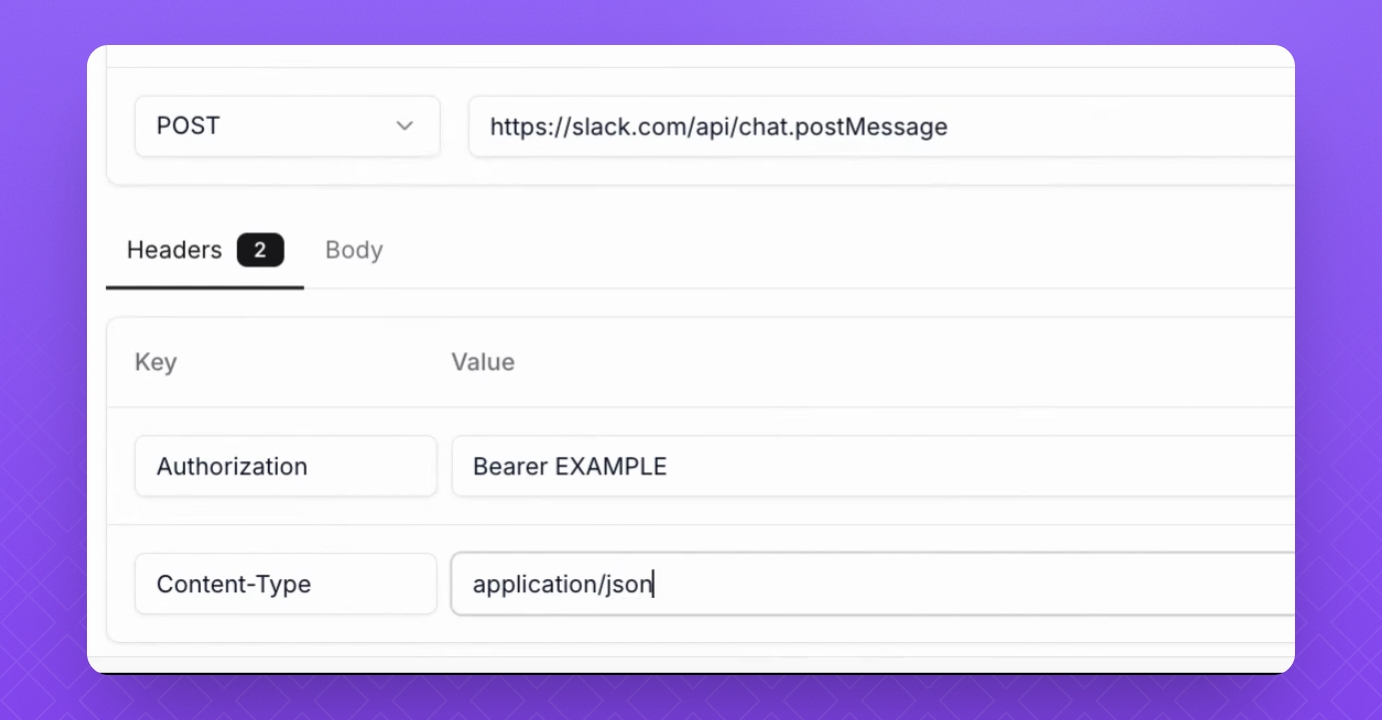
Step 5: Pass body
Ensure to pass the required JSON body in the API call. You can use data inputs and contact attributes as variables like {{feature_name}}