
Let's do it together!
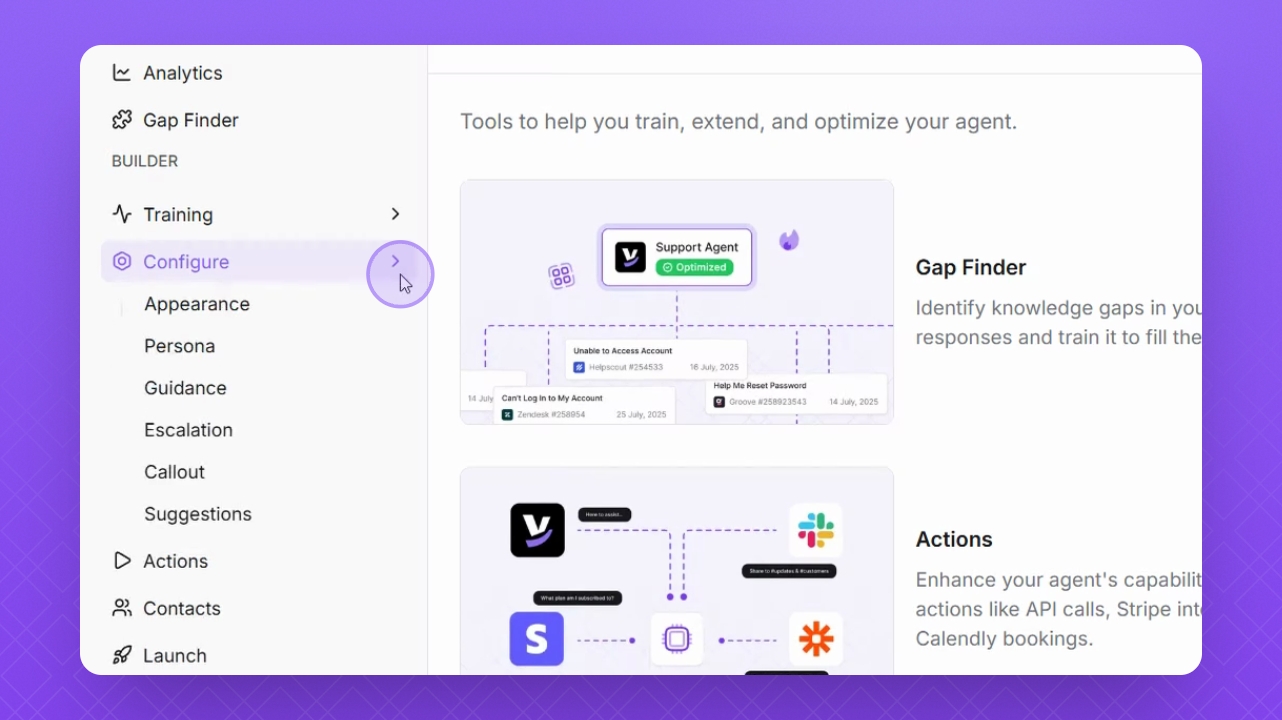
Step 1: Navigate to Configure
Navigate to configure on the left sidebar to access settings for your Helply agent.
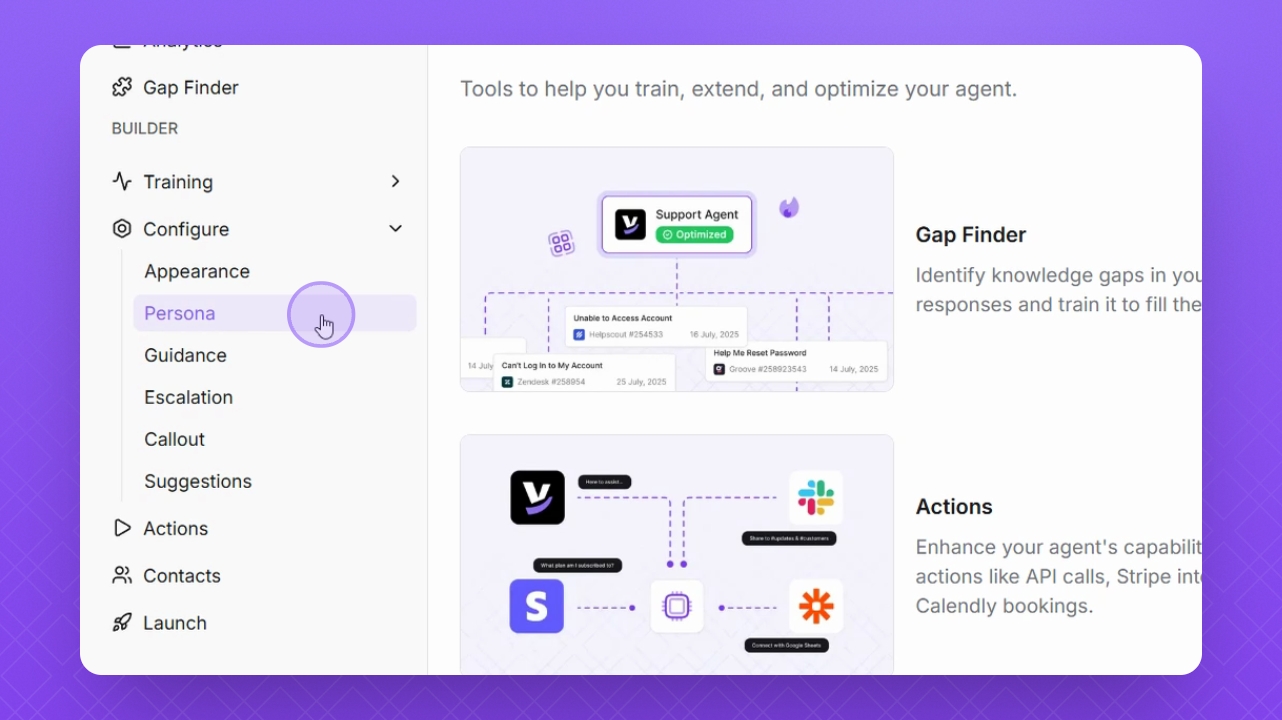
Step 2: Select Persona
Select Persona to set the personality for your Helply agent.
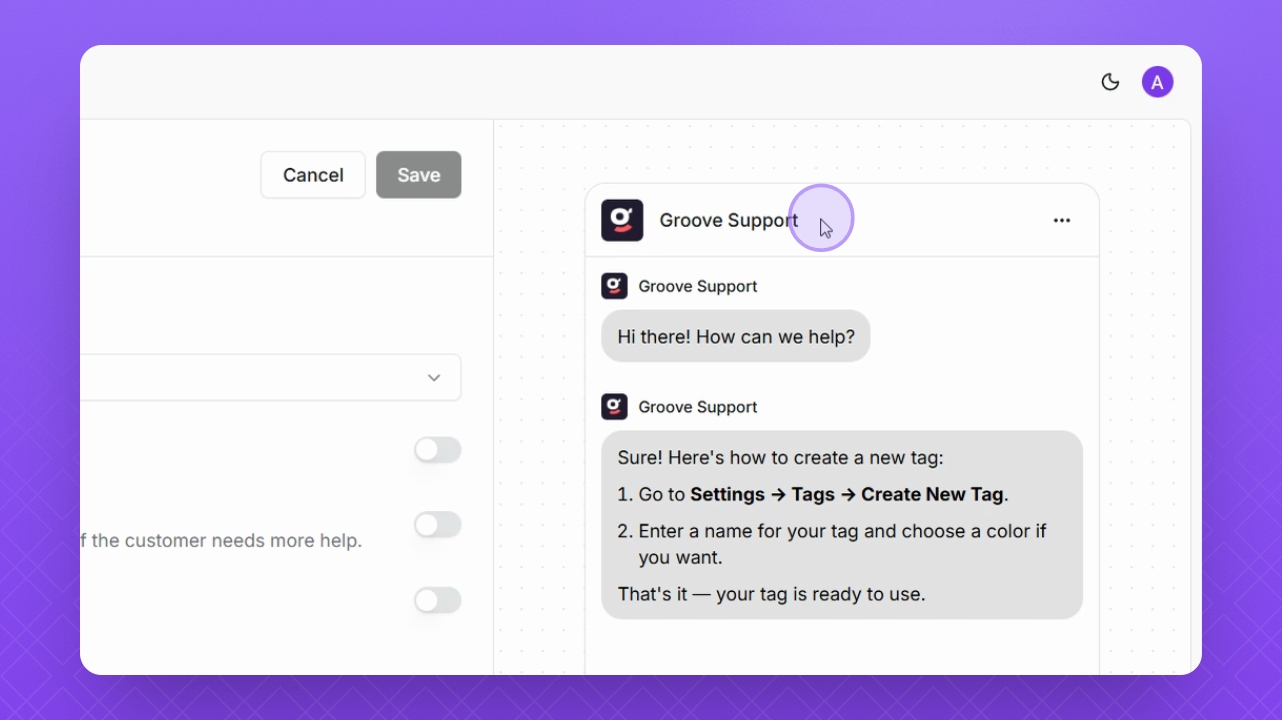
Step 3: Preview Changes
Keep an eye on the Preview window on the right to see a preview of your changes.
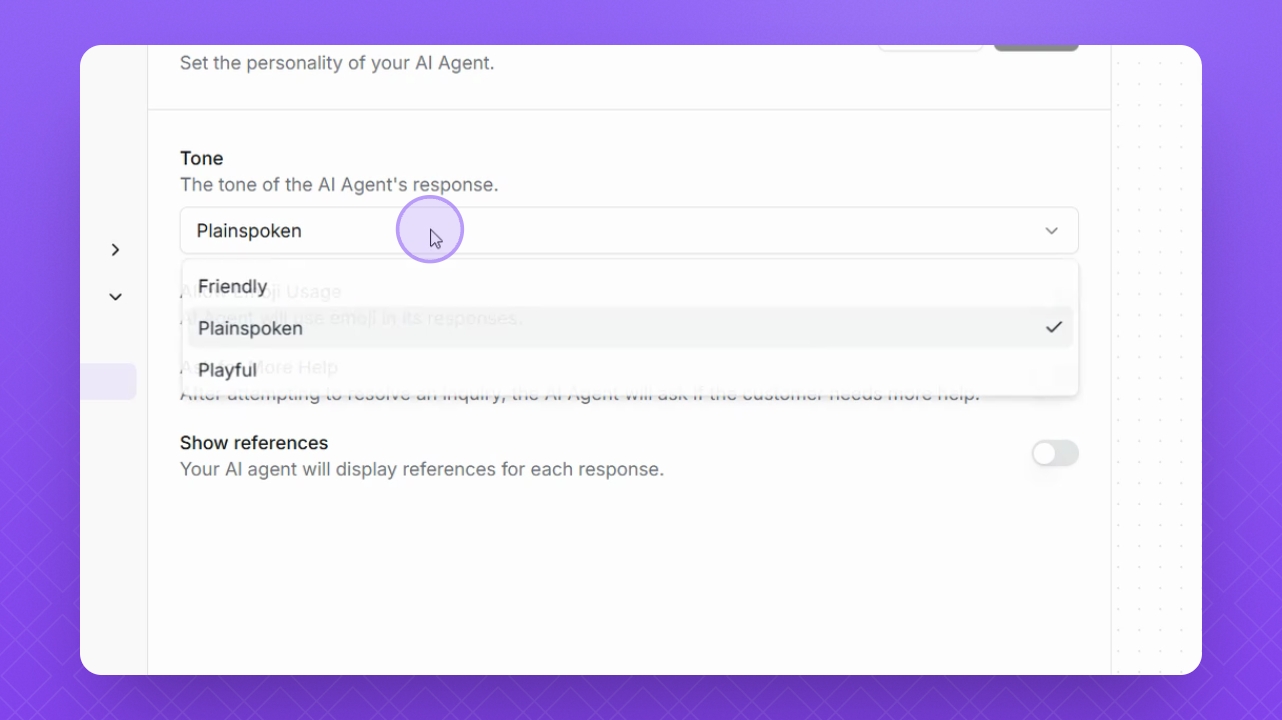
Step 4: Change Tone
Click the Tone drop-down to choose a different tone for your agent.
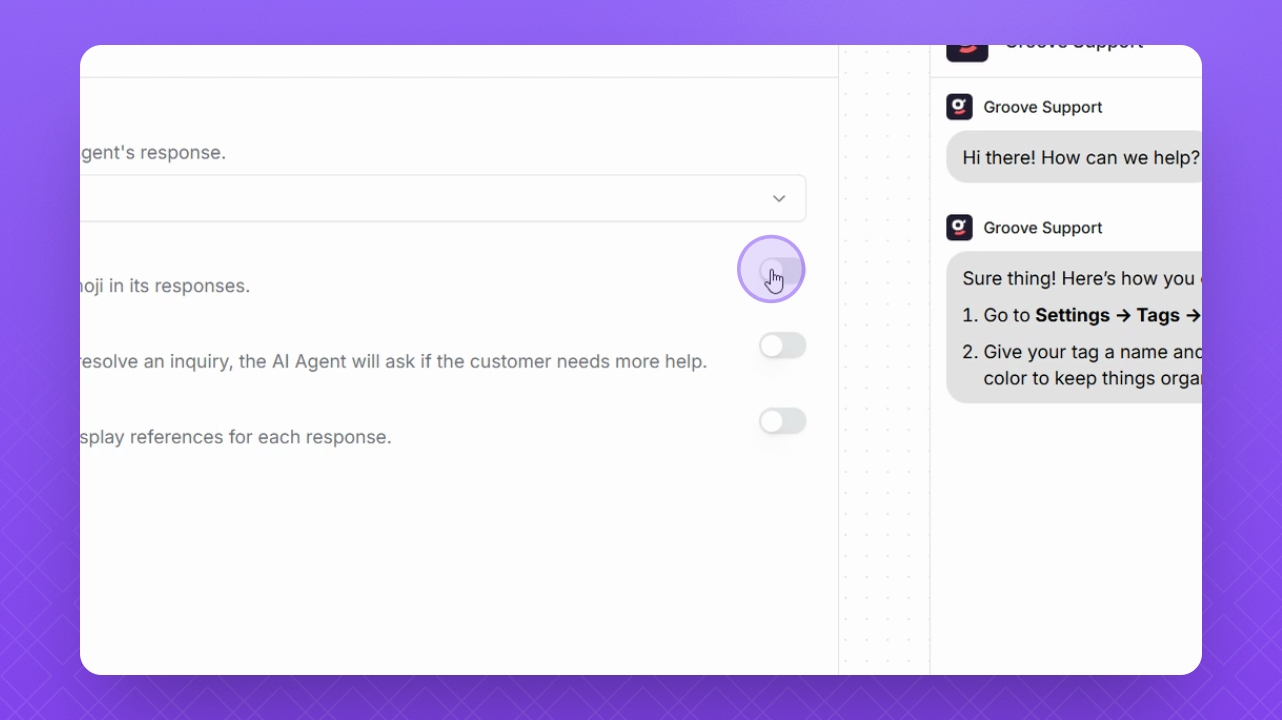
Step 5: Enable Emoji Usage
Enable the Toggle button to allow emoji usage.
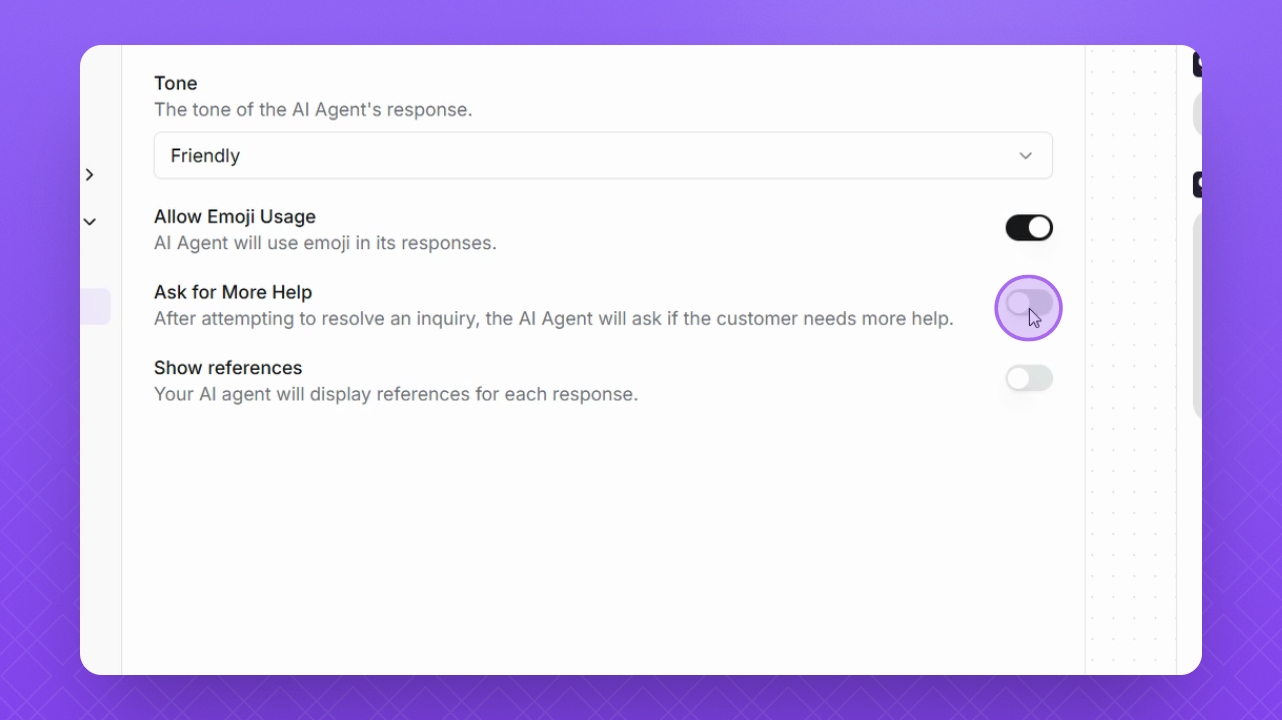
Step 6: Ask for More Help
Enable the Toggle button for Ask for more Help to prompt the AI agent to offer further assistance.
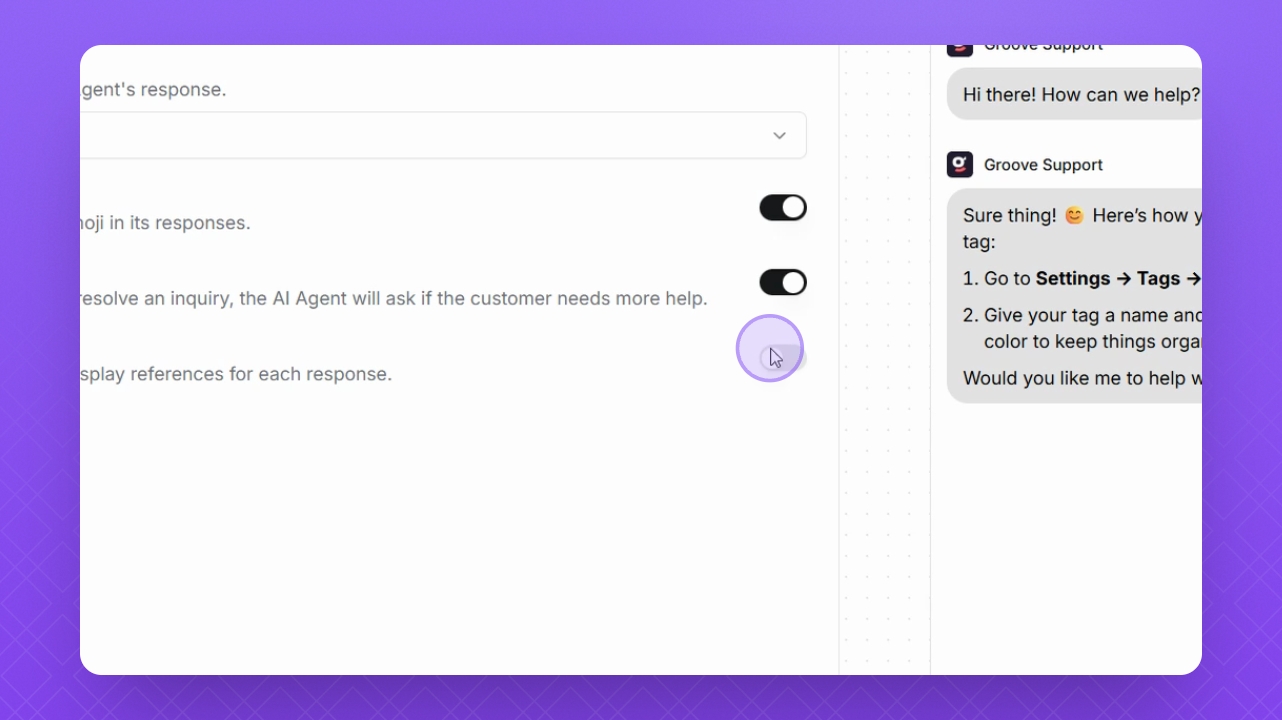
Step 7: Show References
Enable the Show Reference button to allow your AI agent to display references with its responses.
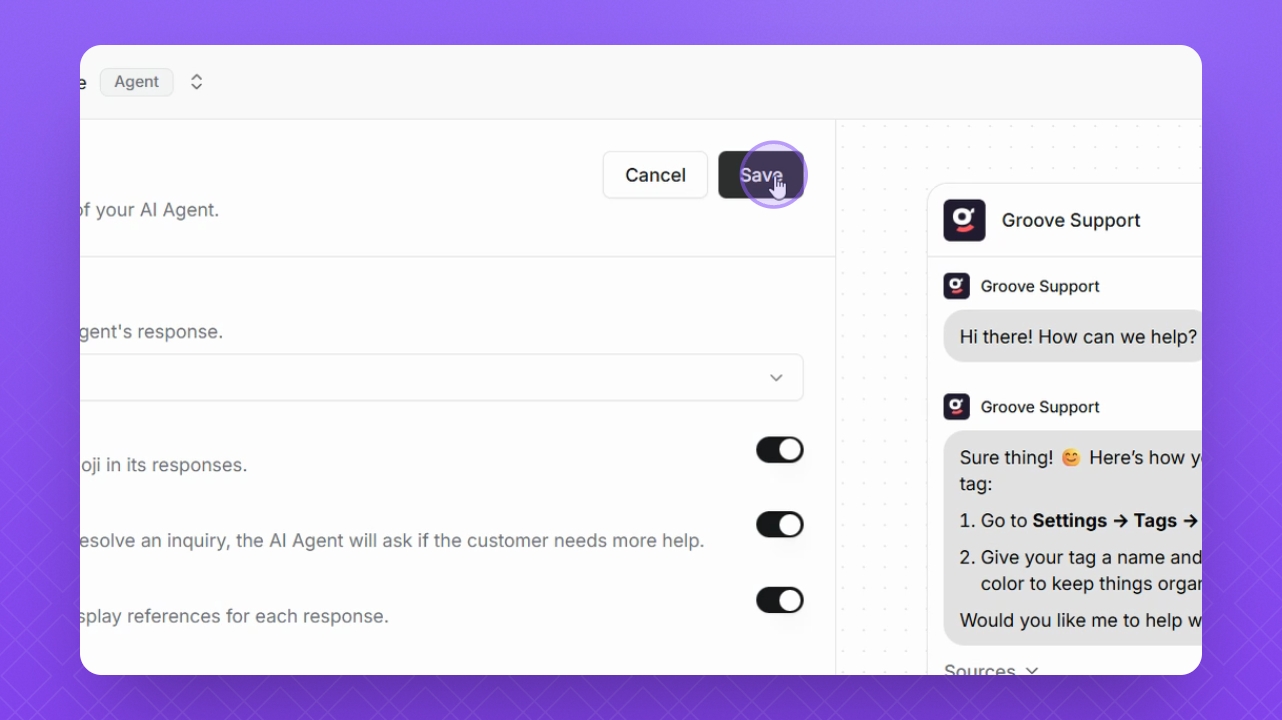
Step 8: Save Changes
Remember to click Save at the top to save all your changes.