
Let's do it together!
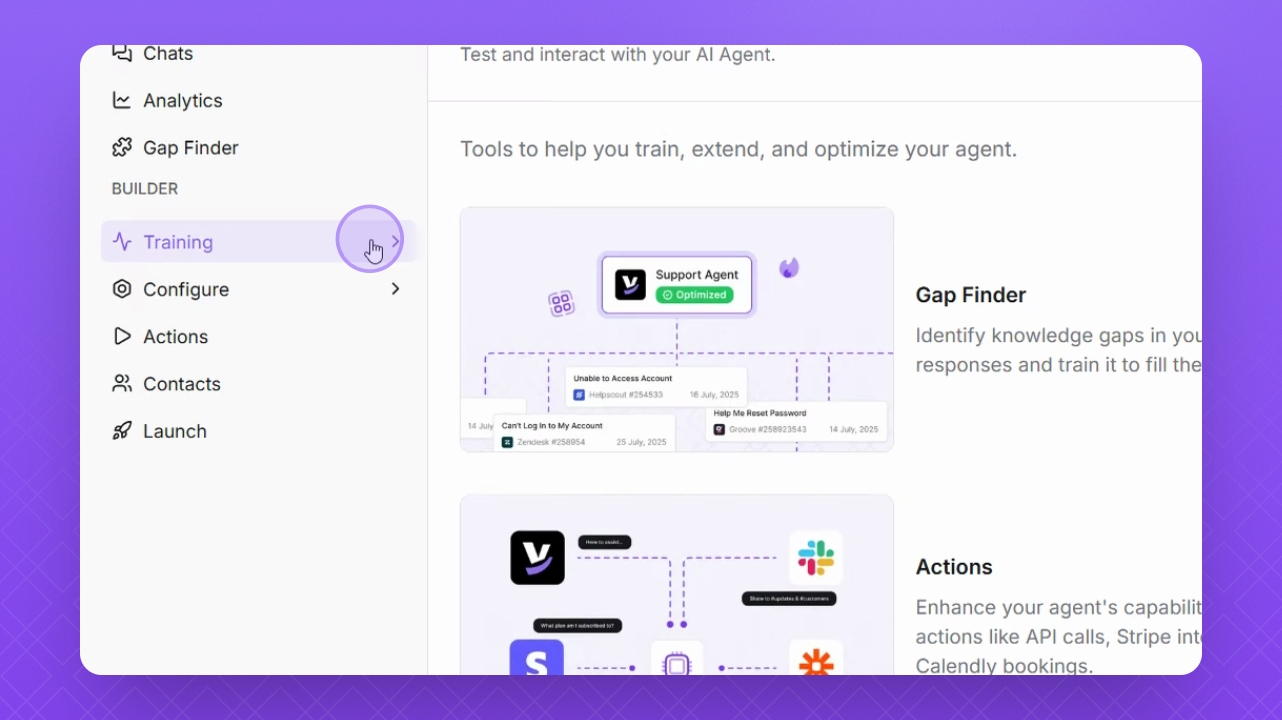
Step 1: Navigate to Training
On the left side menu, navigate to Training.
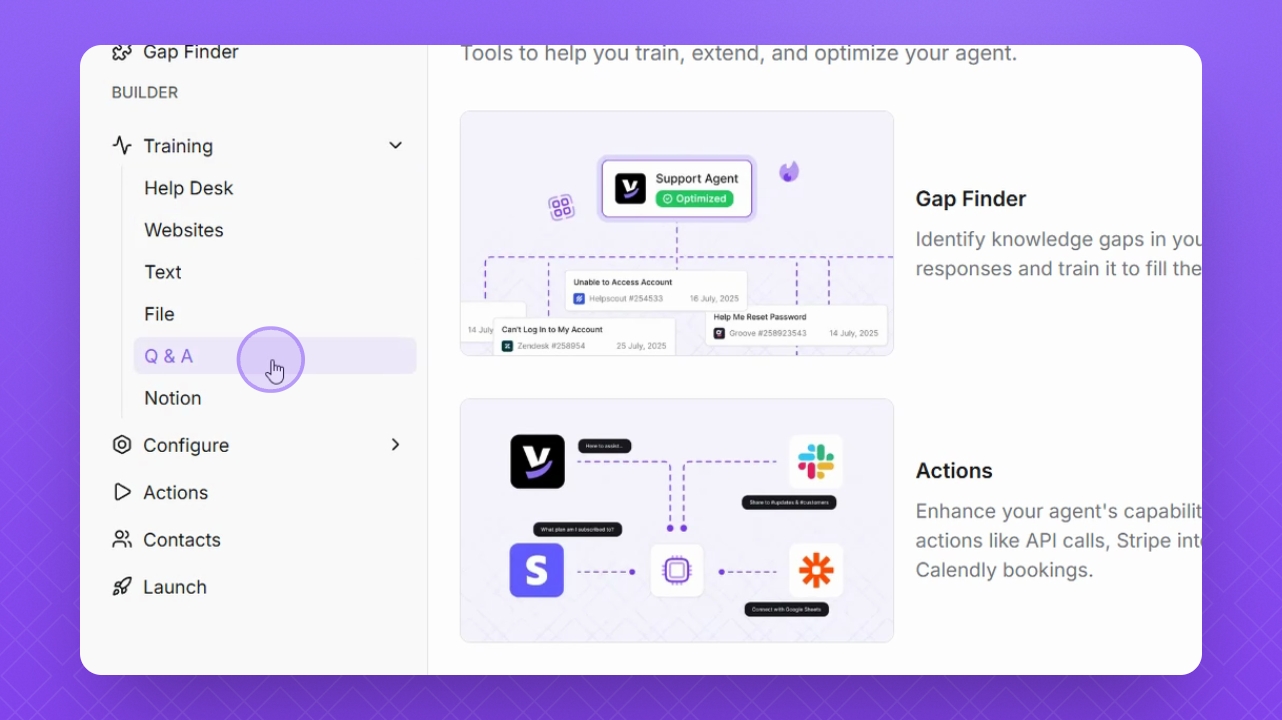
Step 2: Select Q and A
Select Q and A to start creating training material.
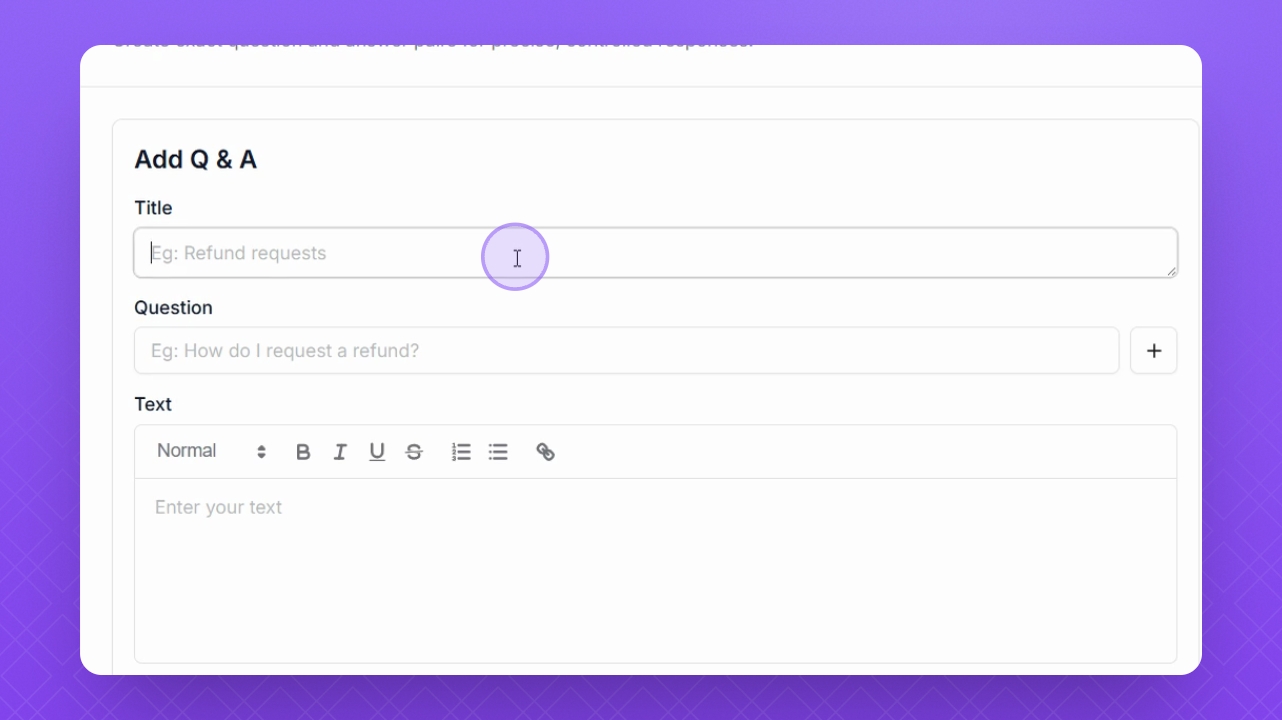
Step 3: Add a Title
In the Title field, enter a relevant title for your training material.
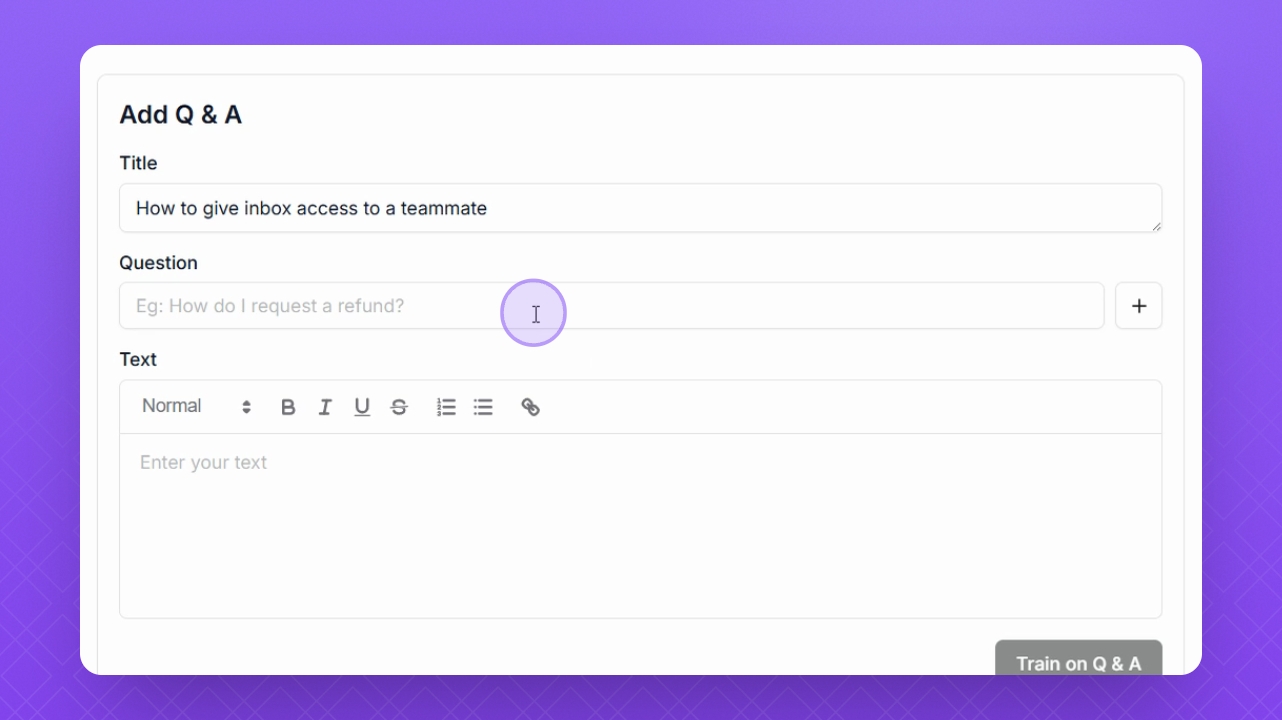
Step 4: Add Your Question
In the Question field, enter your first question.
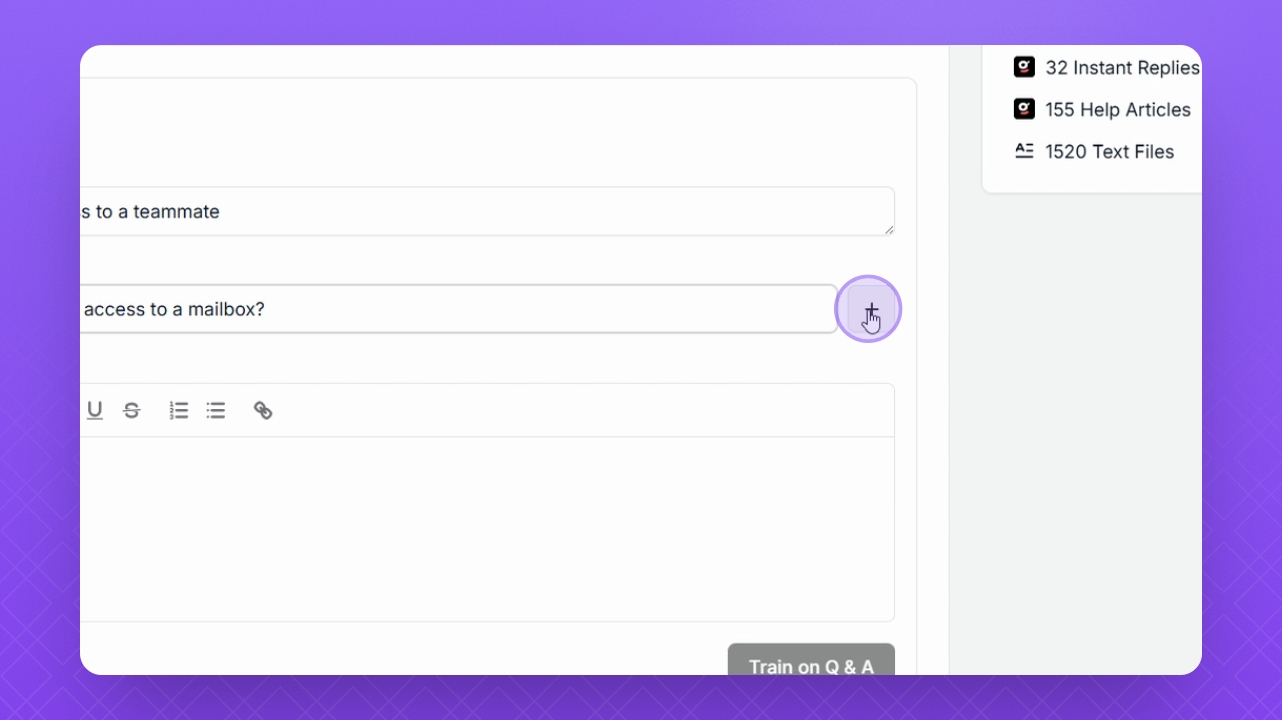
Step 5: Add More Questions
Click the plus icon next to the question field to add more questions.
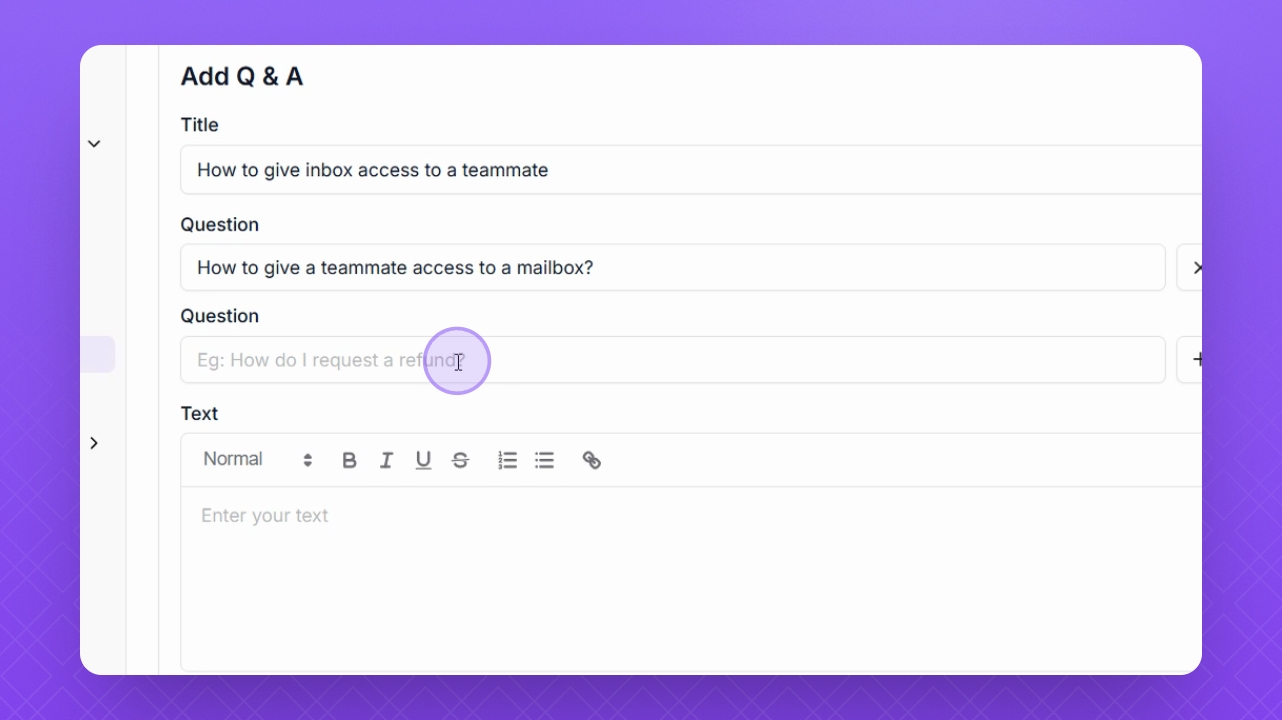
Step 6: Complete Your Questions
Continue adding questions to provide full context for your Q and A training material.
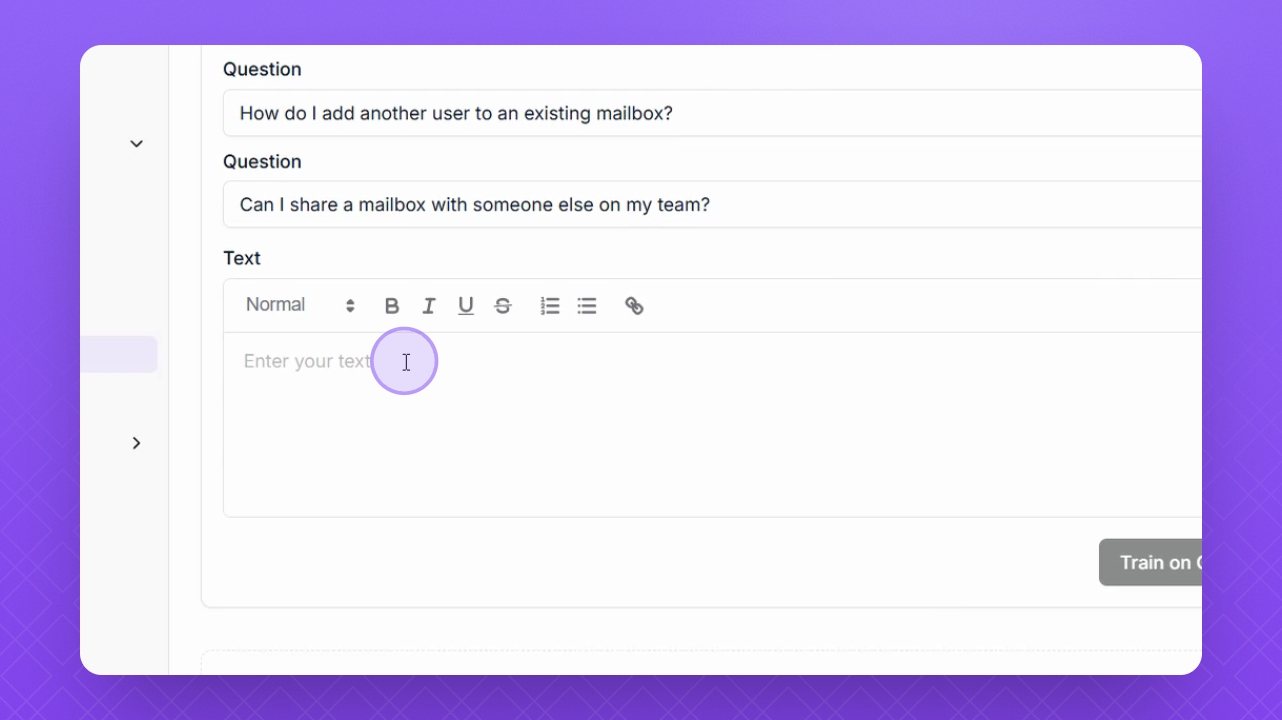
Step 7: Add Your Answer
Once all questions are added, proceed to add your answer.
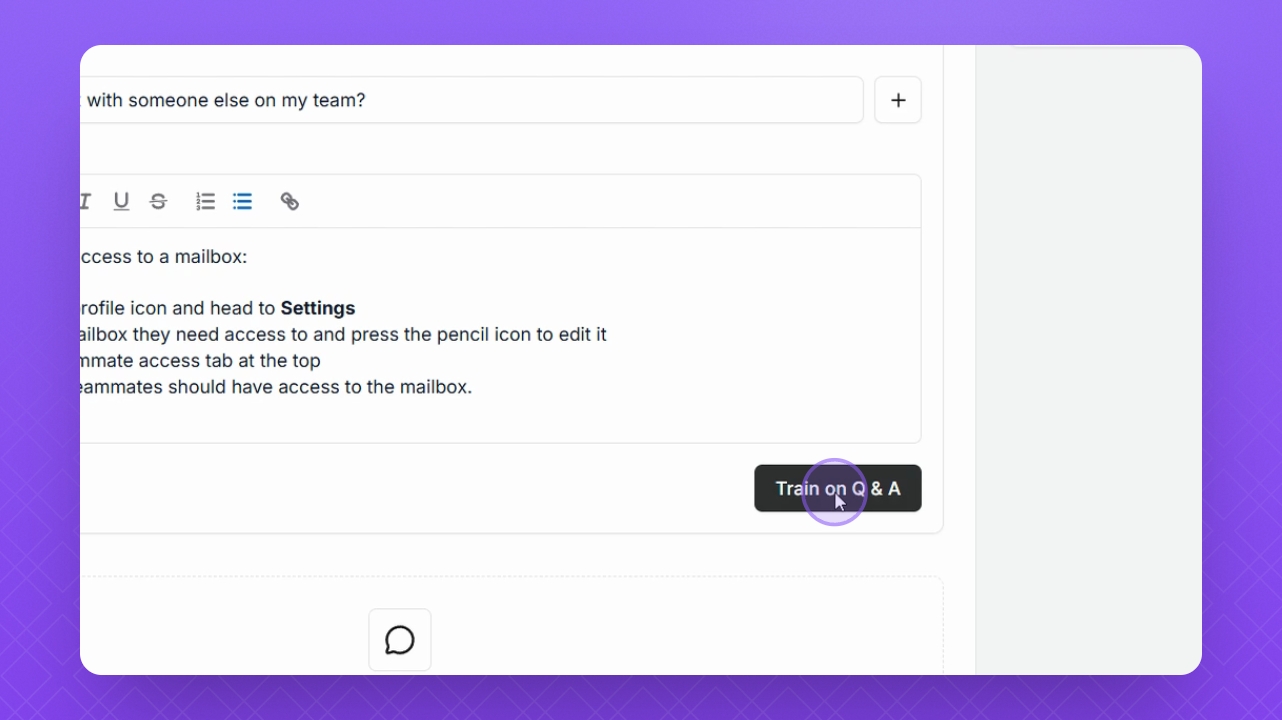
Step 8: Train on Q & A
Click the Train on Q & A button to finalize your training material.
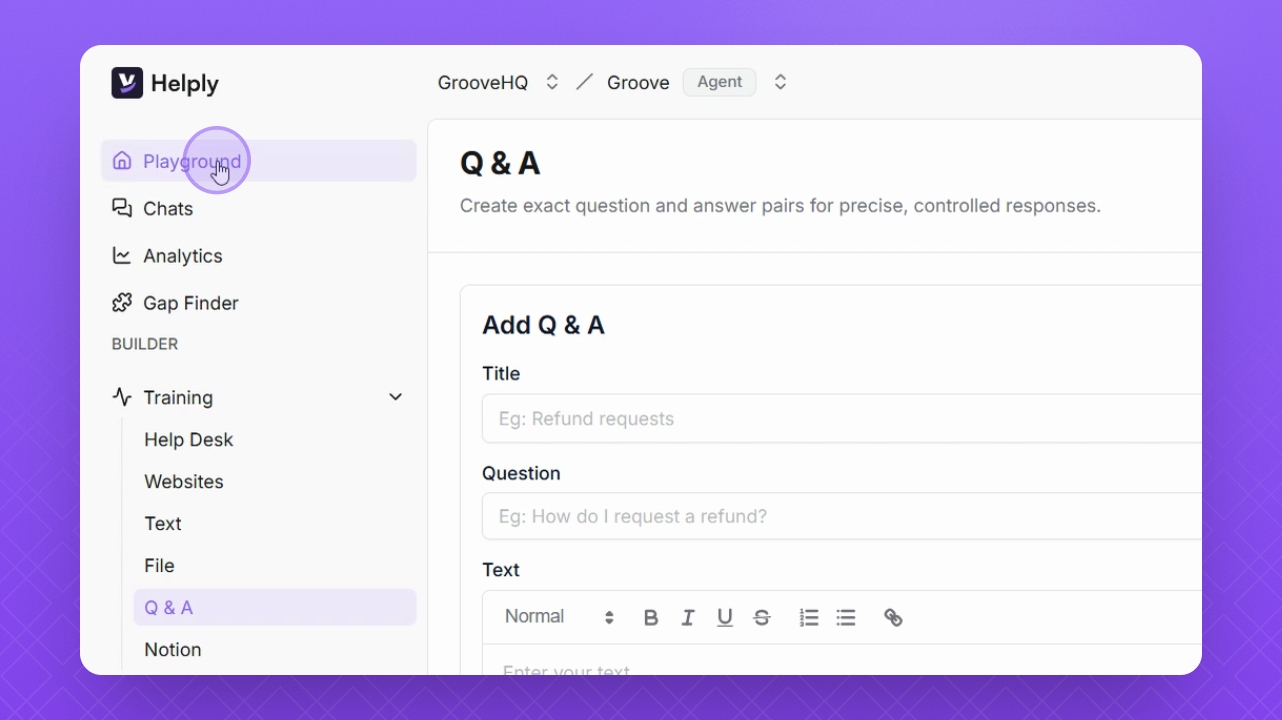
Step 9: Test in Playground
Click the Playground button on the left side to test your training material.
Step 10: Input Your Question
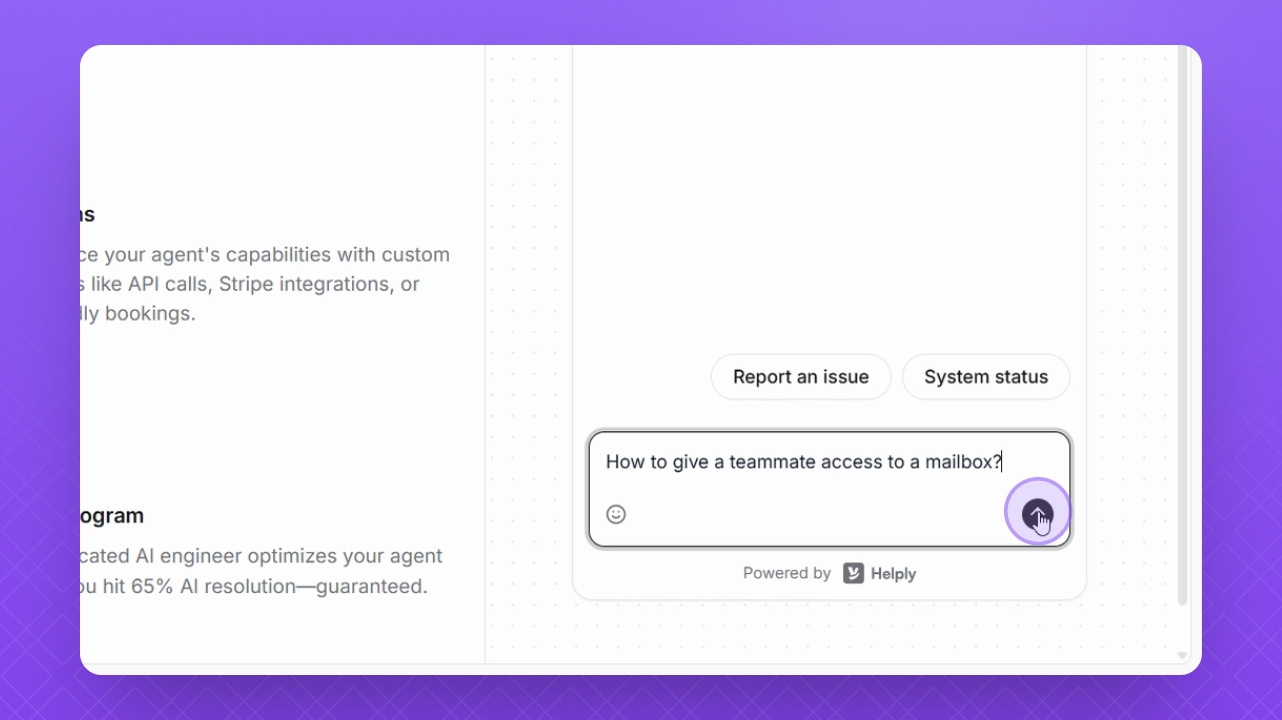
In the test widget on the right, add your question and click Send.