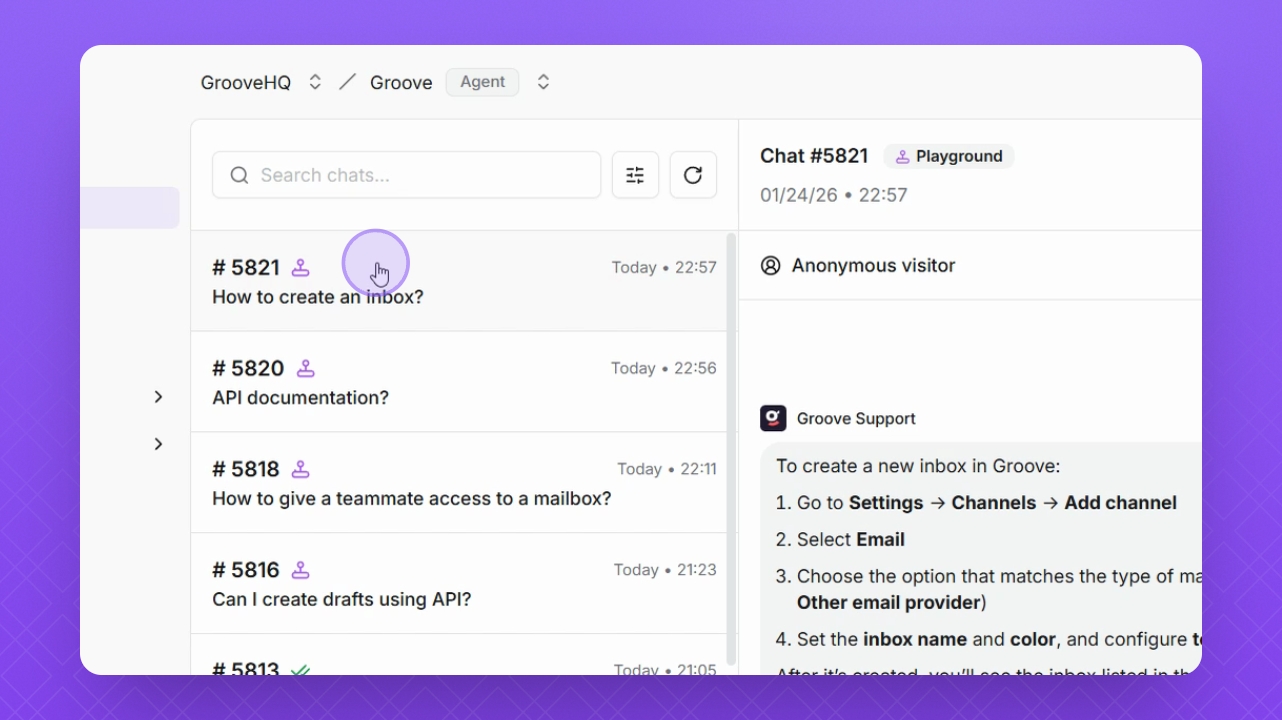

Let's do it together!
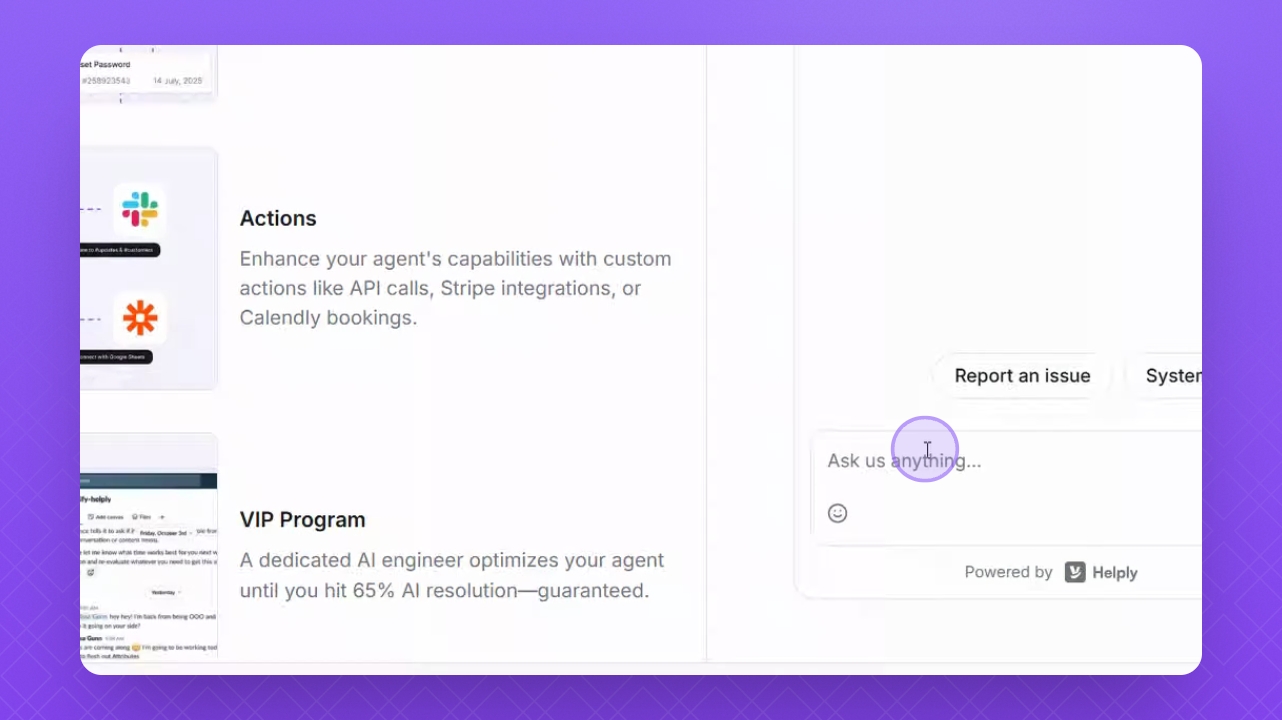
Step 1: Enter your question
Type your question in the Test widget area to start testing your AI agent.
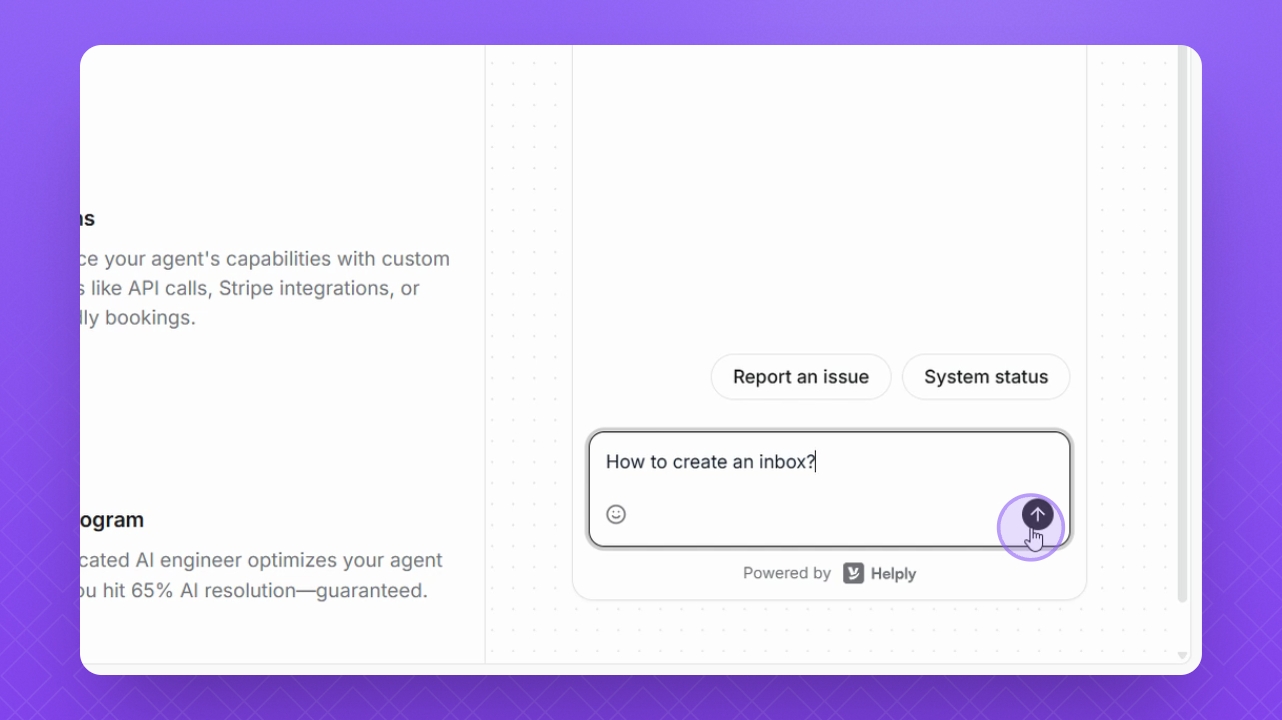
Step 2: Send your question
Click the Send button to submit your question to the AI agent.
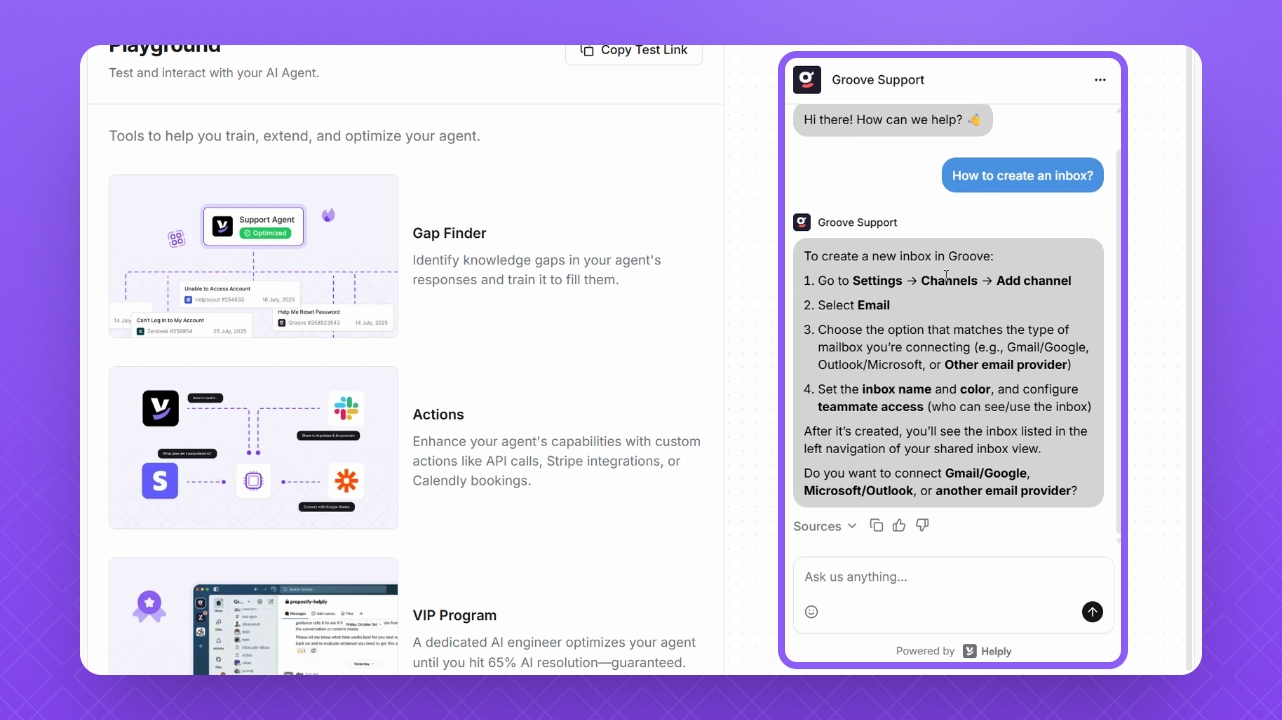
Step 3: Review the response
Observe the Test agent's reply, which is based on the context and training material of your AI agent.
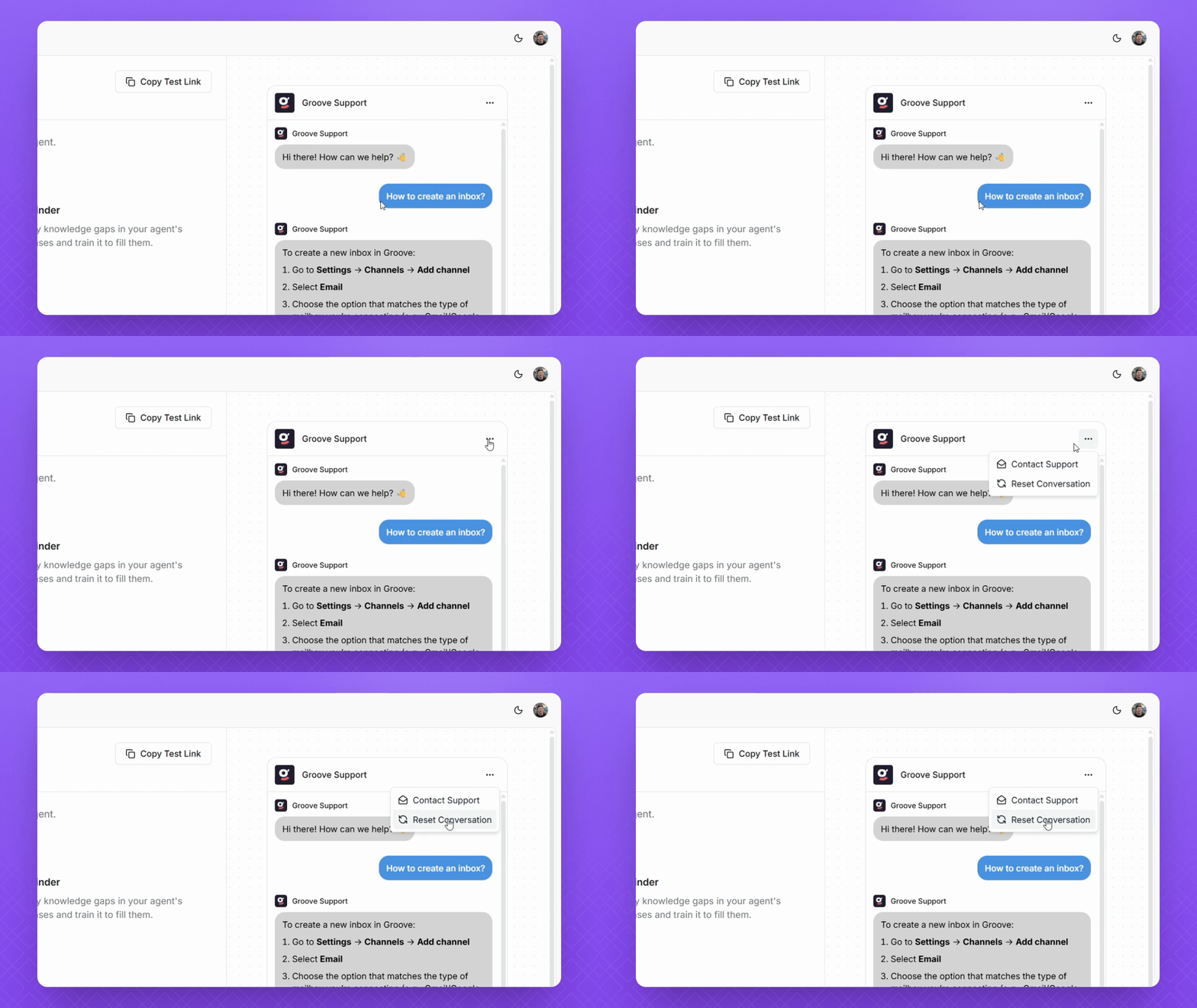
Step 4: Reset the conversation
Click the three dots in the top right corner, then select Reset to clear the conversation.
TIP: Consider resetting the conversation when you add new training material for accurate testing. Avoid using a continuous test thread to avoid conflicts with old training data.
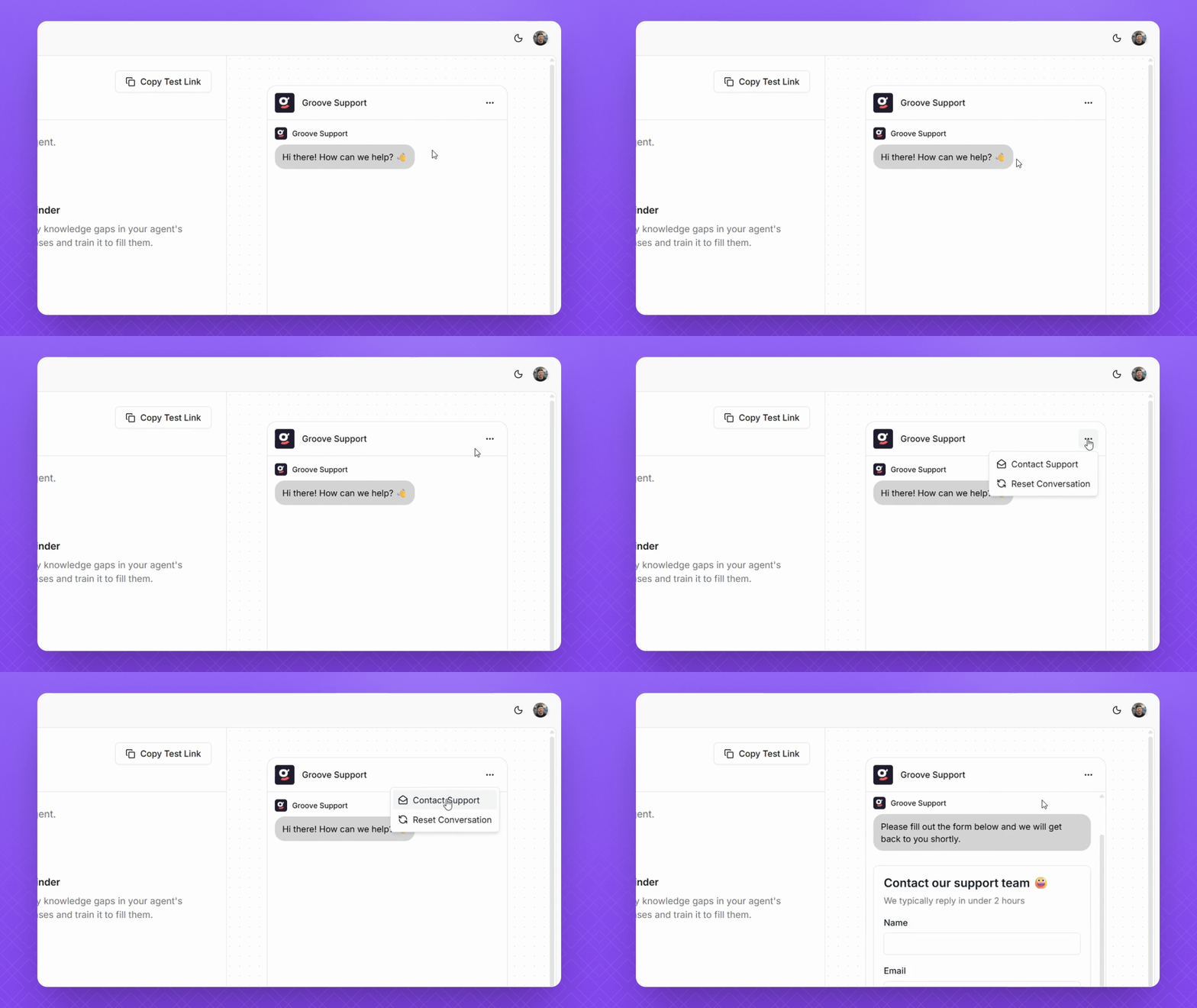
Step 5: Access the Contact Form
Click the three dots in the top right corner again and select Contact Form to test its appearance.
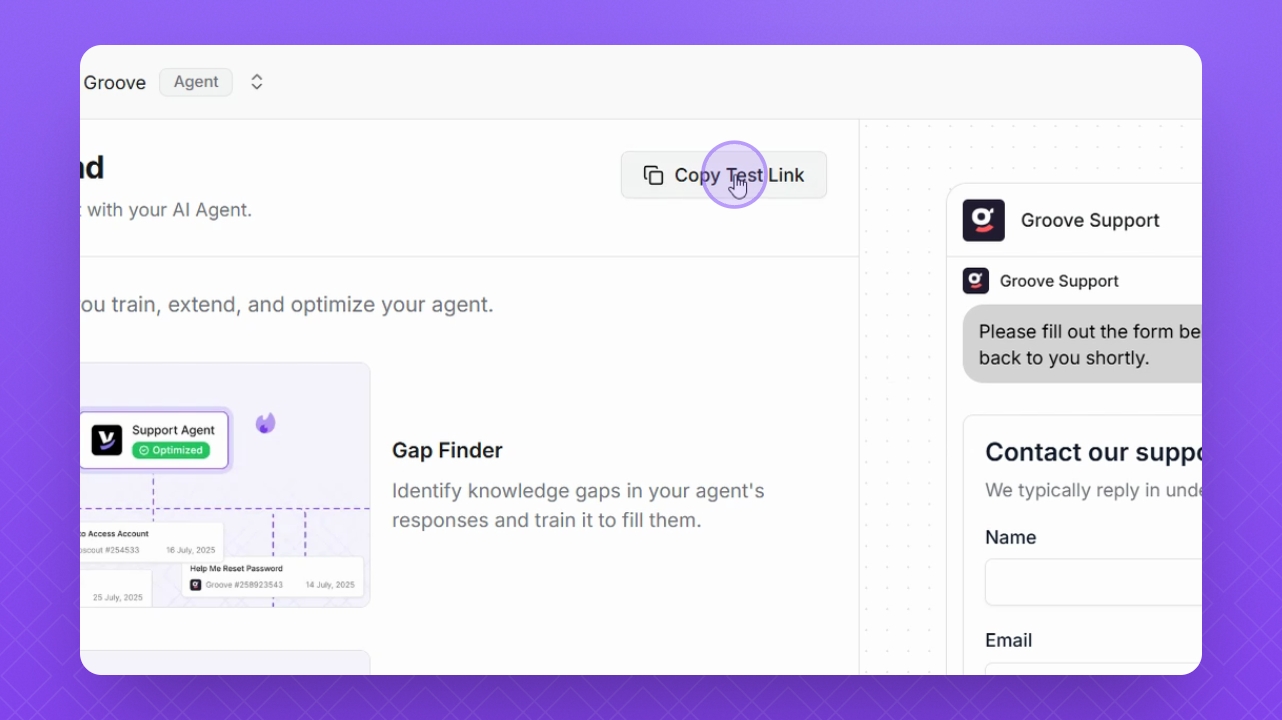
Step 6: Copy the test link
Copy the provided test link to share it with users for their testing.
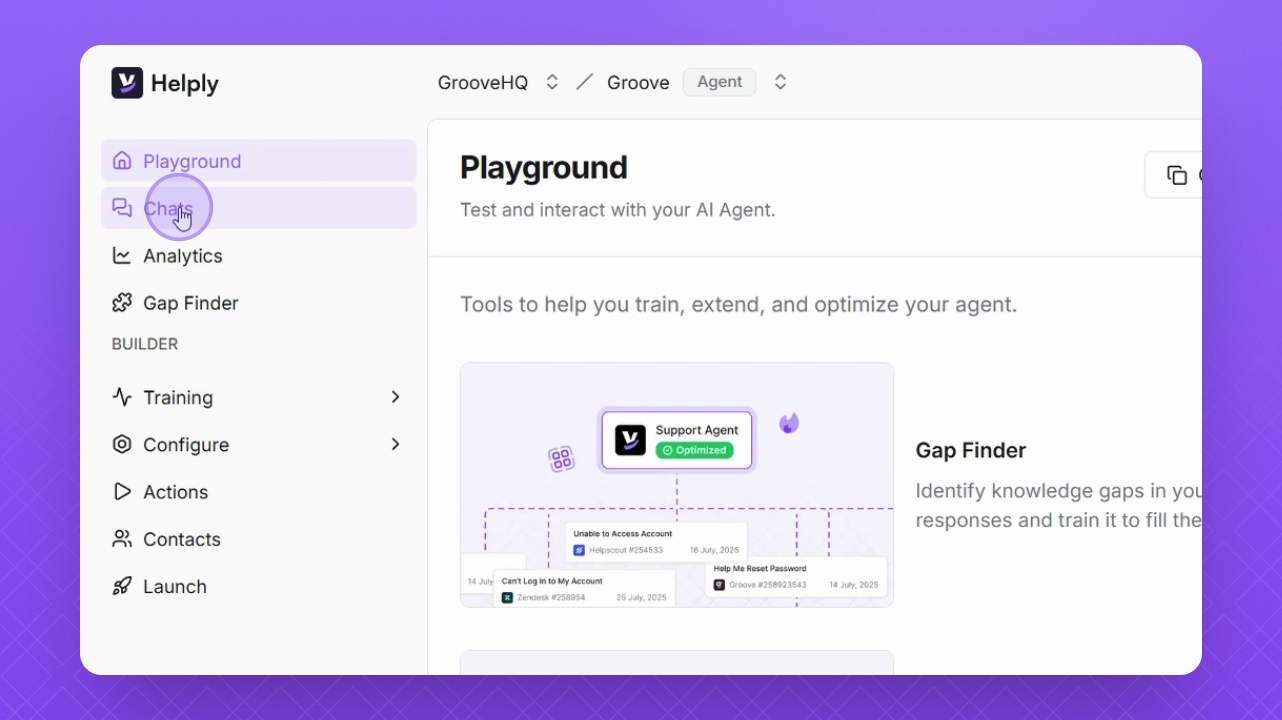
Step 7: View test results
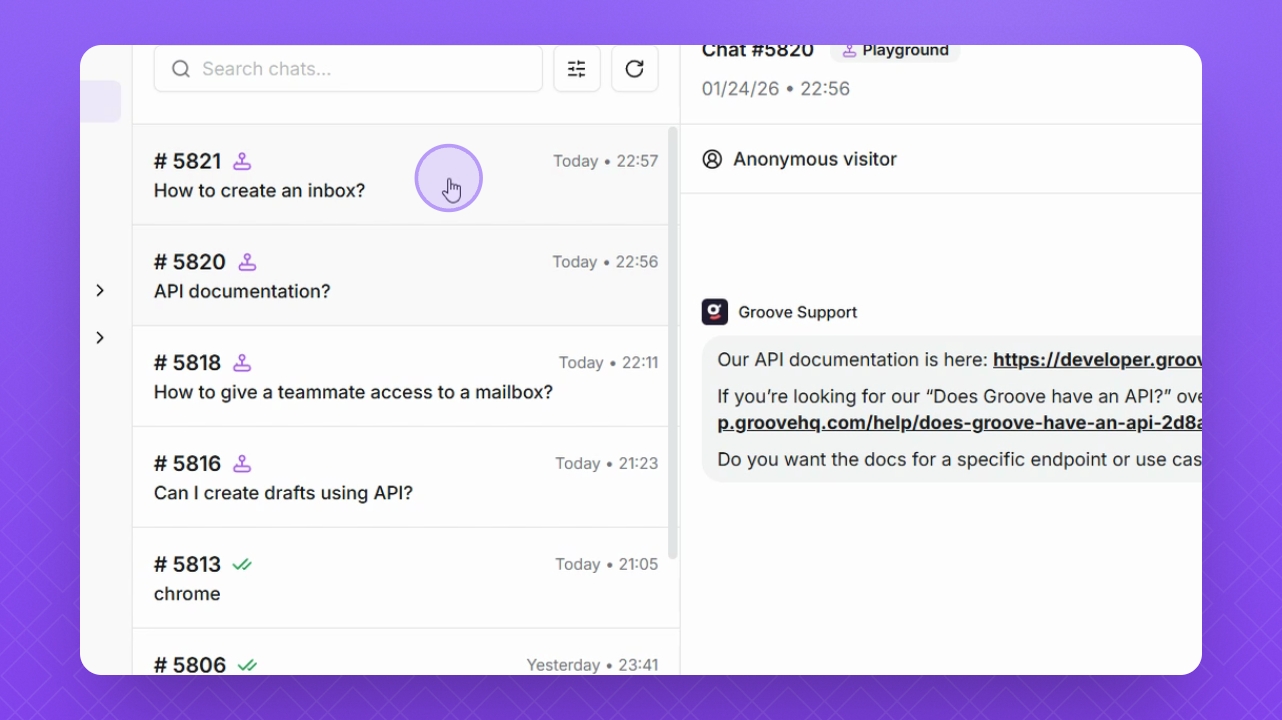
Find your test results in the chat area by navigating to Chats on the left.
Step 8: Identify Playground tests
Locate your playground tests indicated by the purple joystick item in the chat list.
Step 9: Remove a test
To delete a playground test, click the Bin icon on the selected chat and choose Delete.
NOTE: Be aware that deleting a chat permanently removes it and all associated data.