
Let's do it together!
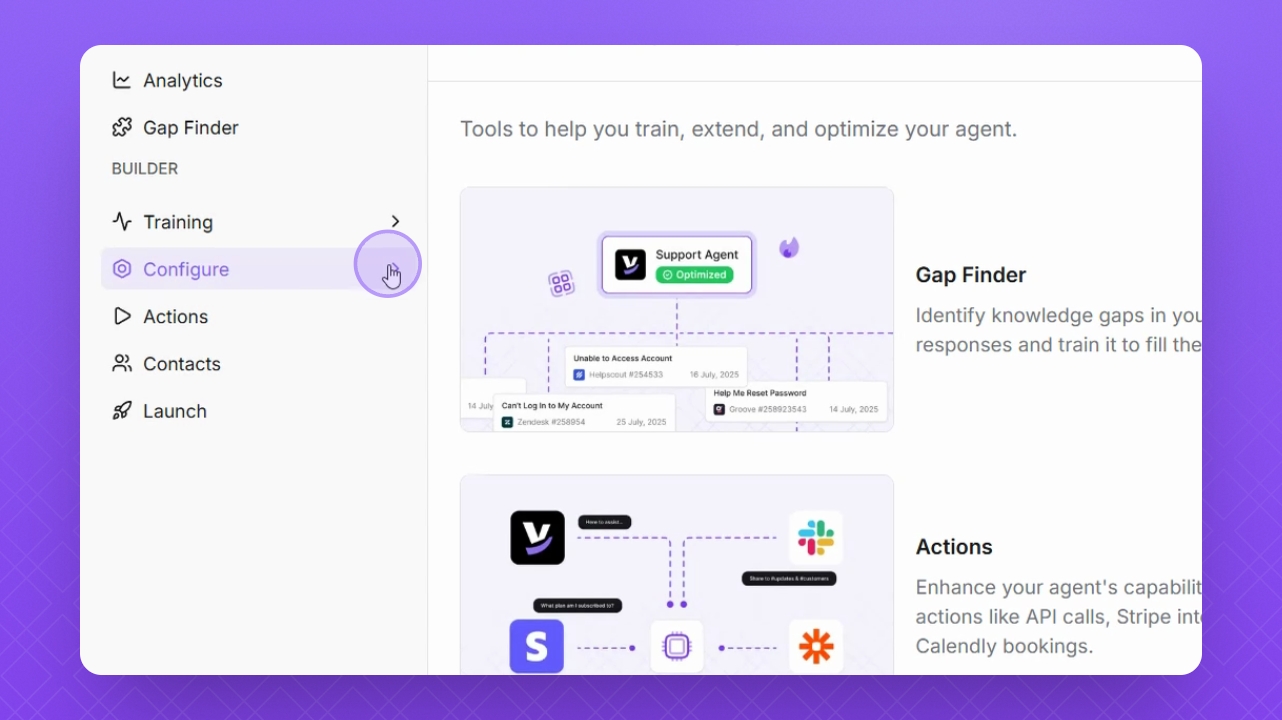
Step 1: Navigate
Navigate to Configure on the left side of the interface.
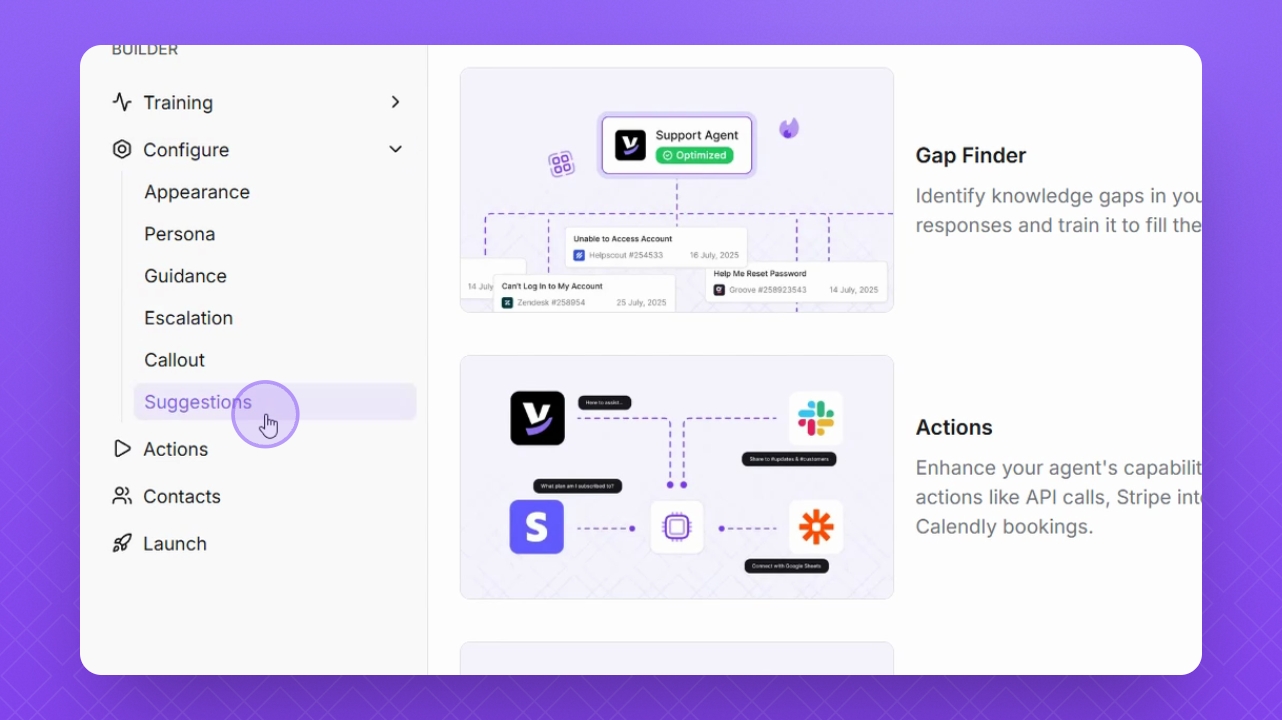
Step 2: Select Suggestions
Select Suggestions from the available options.
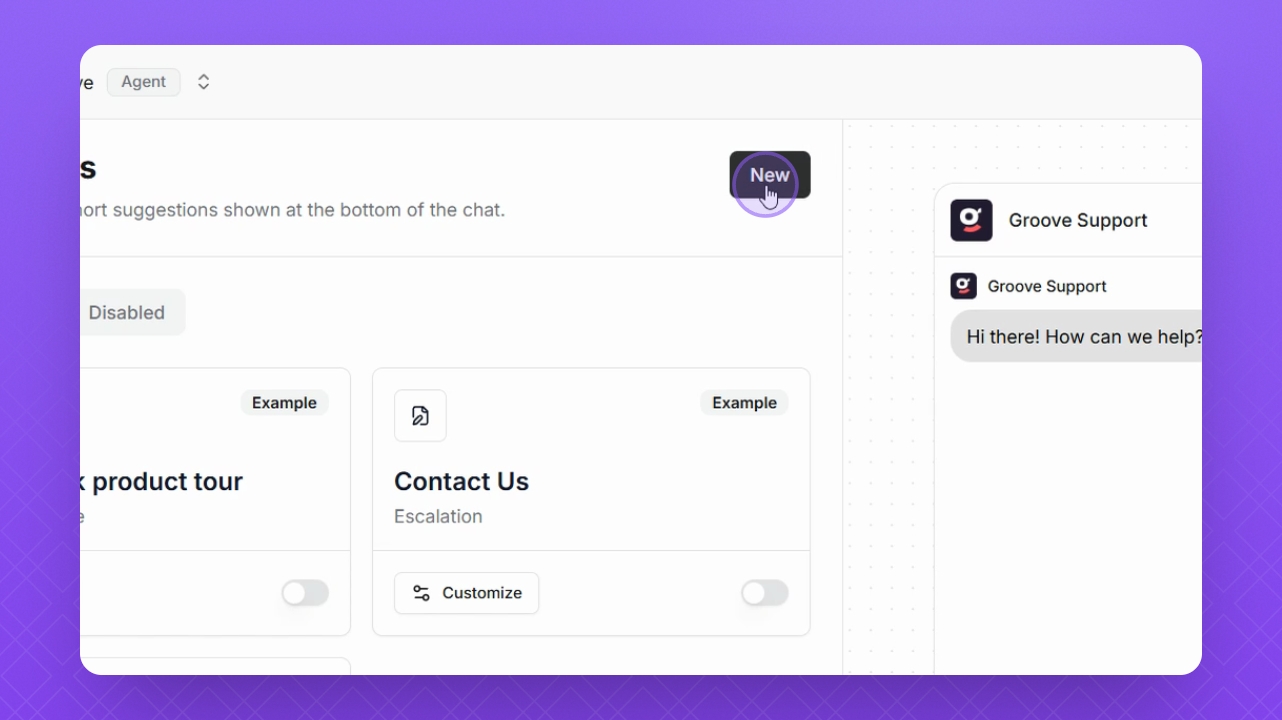
Step 3: Create New
Click New in the top right corner to start creating a suggestion.
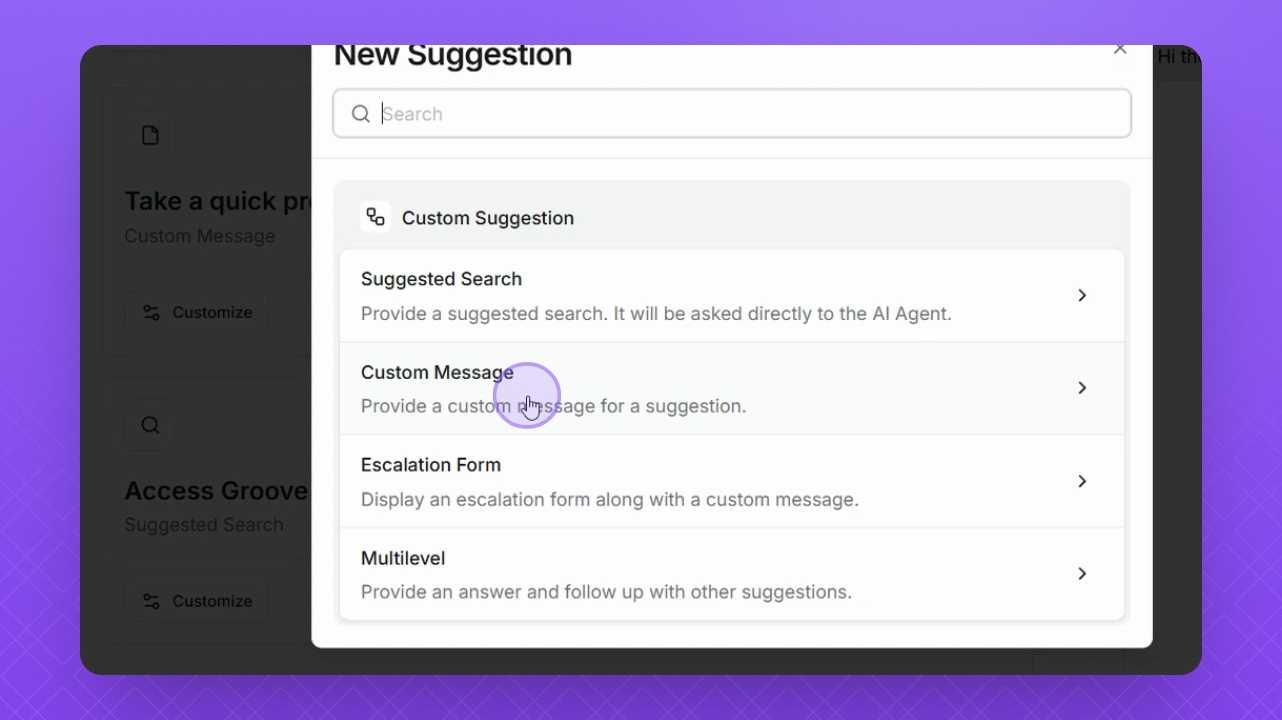
Step 4: Choose Type
Select Custom Message as the suggestion type.
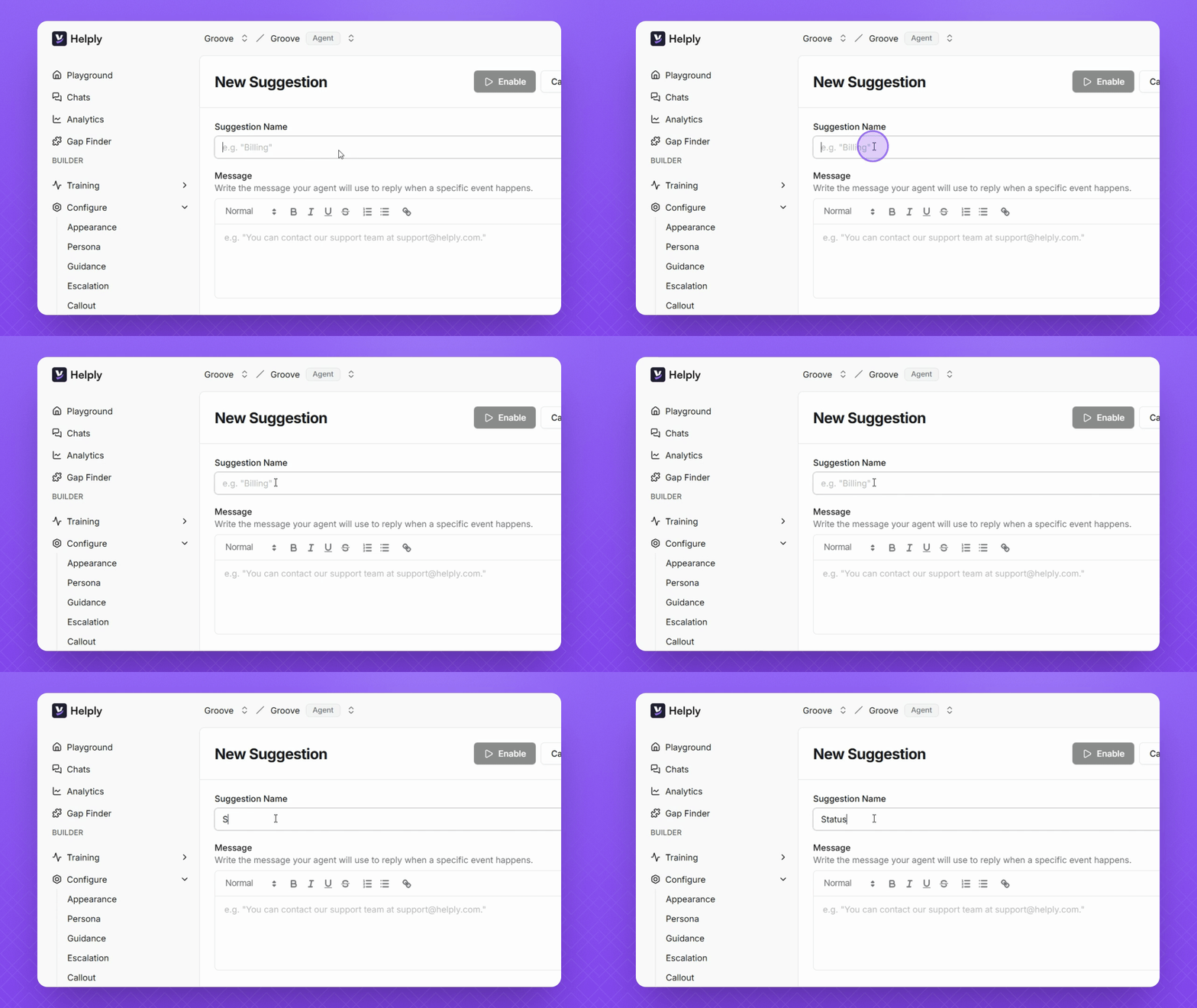
Step 5: Enter Title
Enter a title for your suggestion in the provided field.
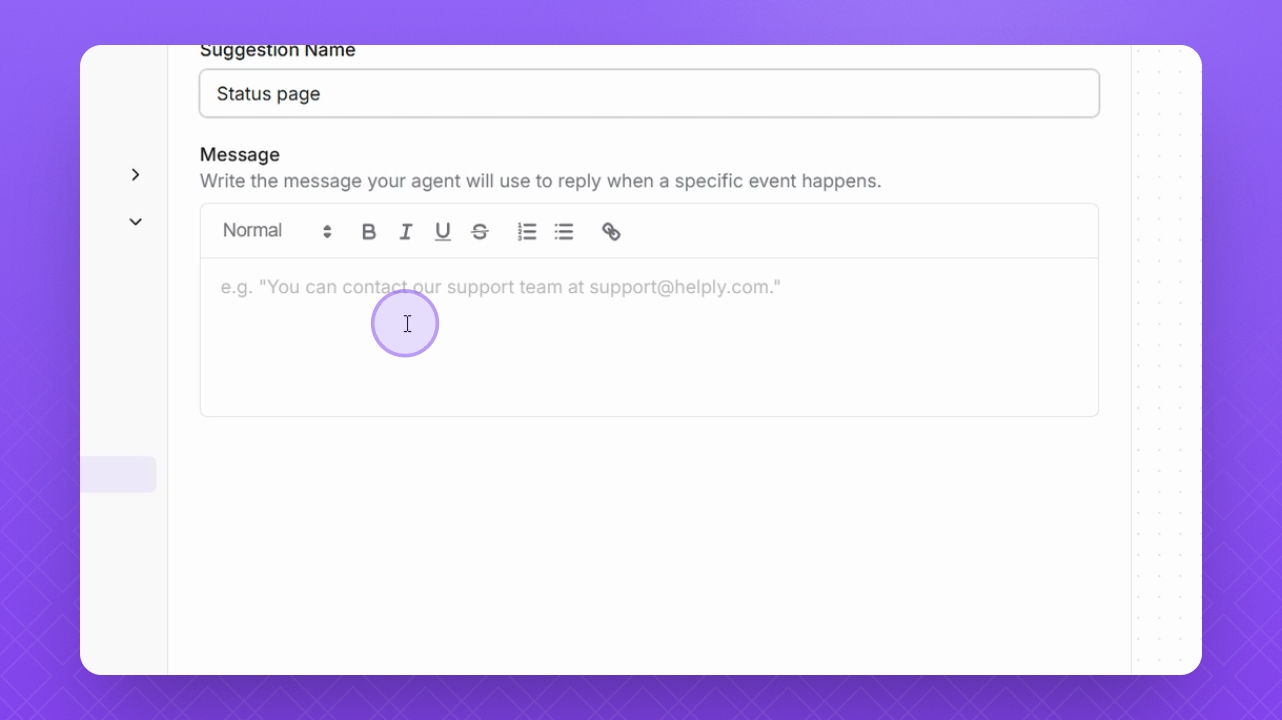
Step 6: Add Message
Add the message that your agent will display to users.
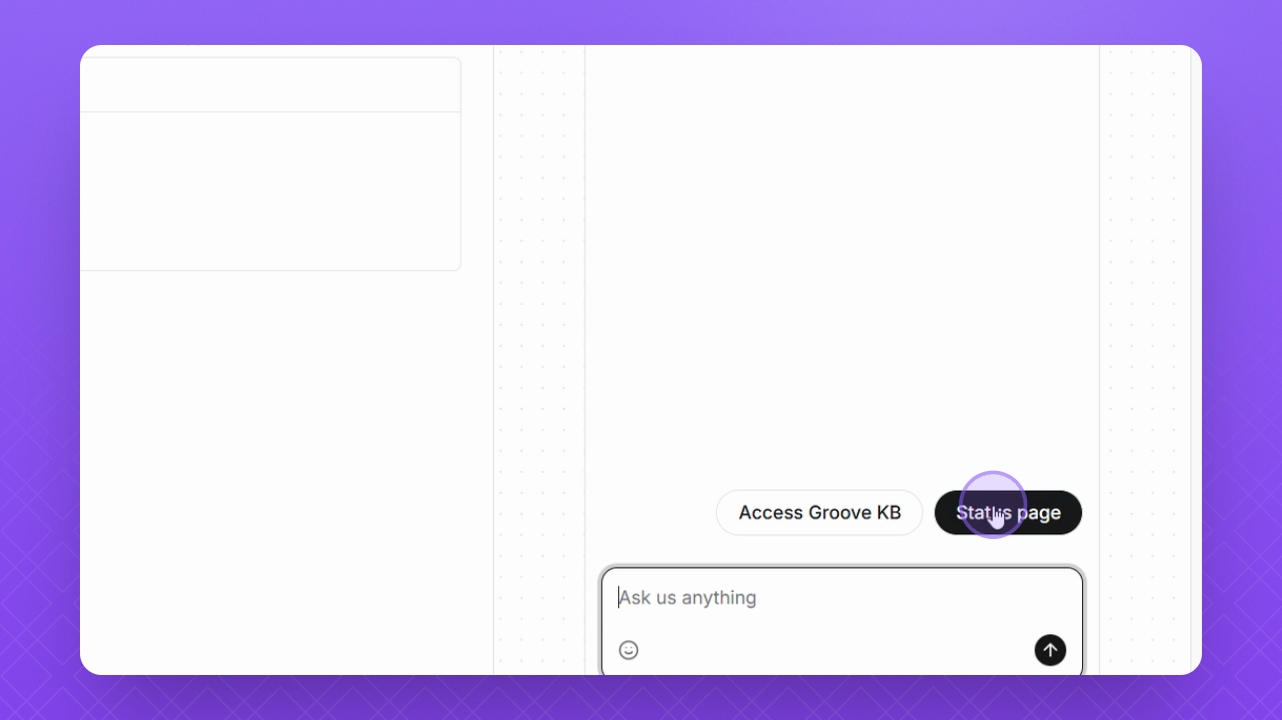
Step 7: Preview
Test the new suggestion in the Preview window on the right.
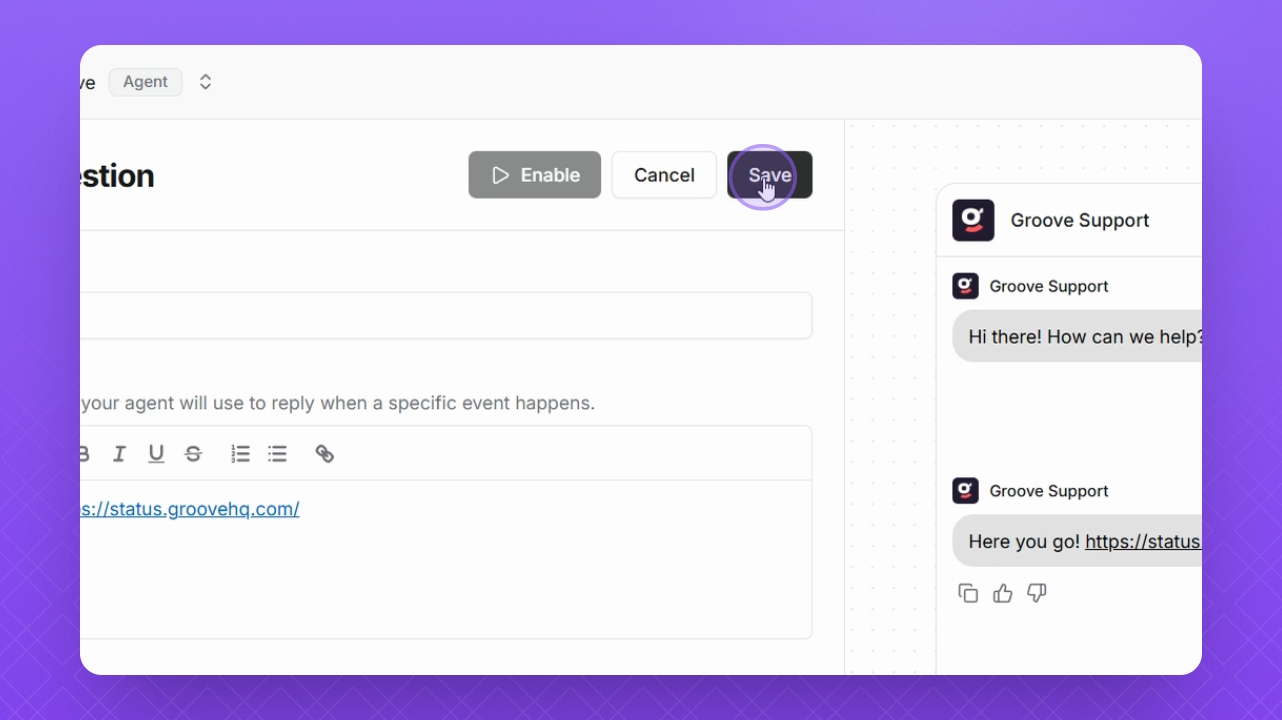
Step 8: Save
Finally, click Save to store your custom suggestion.