
Let's do it together!
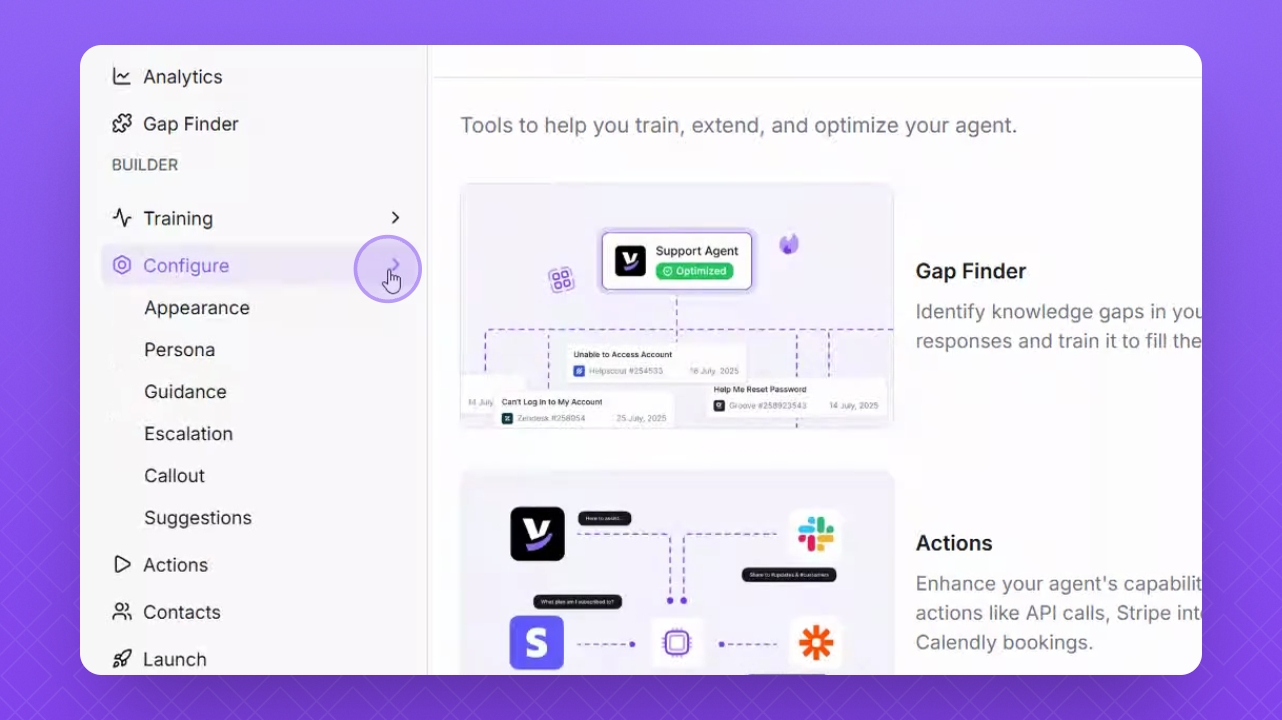
Step 1: Navigate to Configure
Go to the Configure section on the left side of the interface.
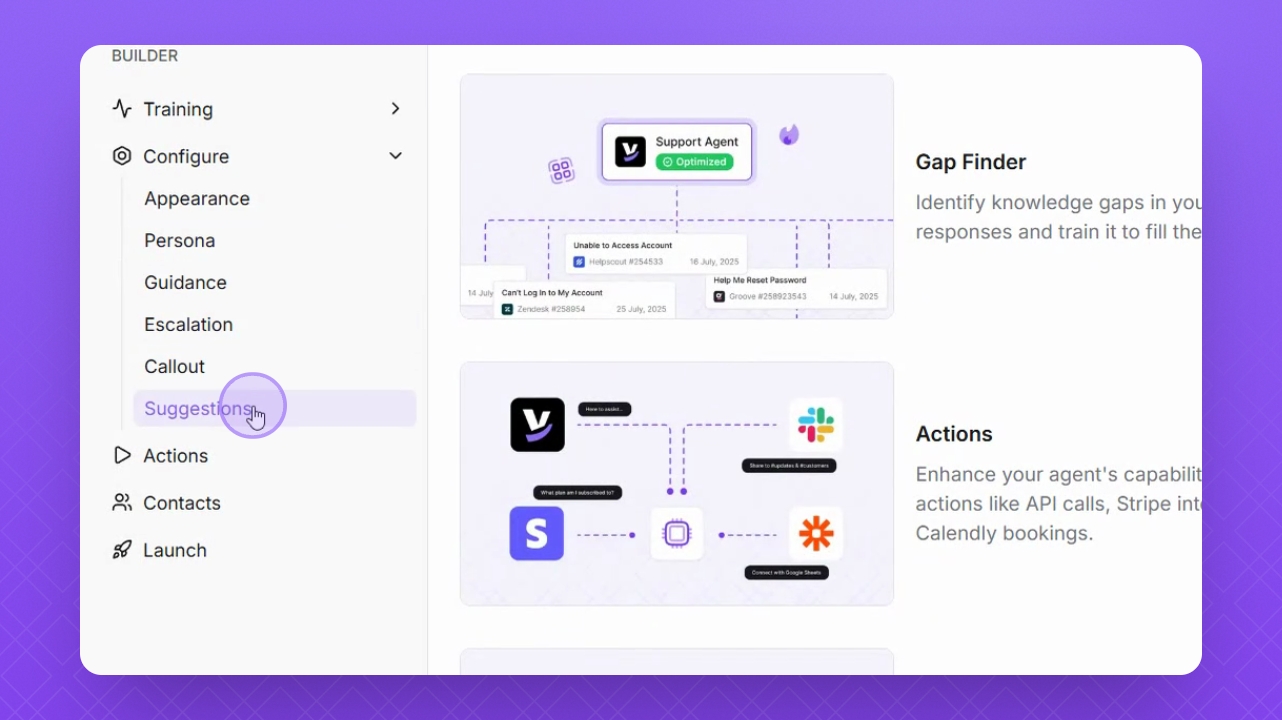
Step 2: Select Suggestions
Choose Suggestions from the options presented.
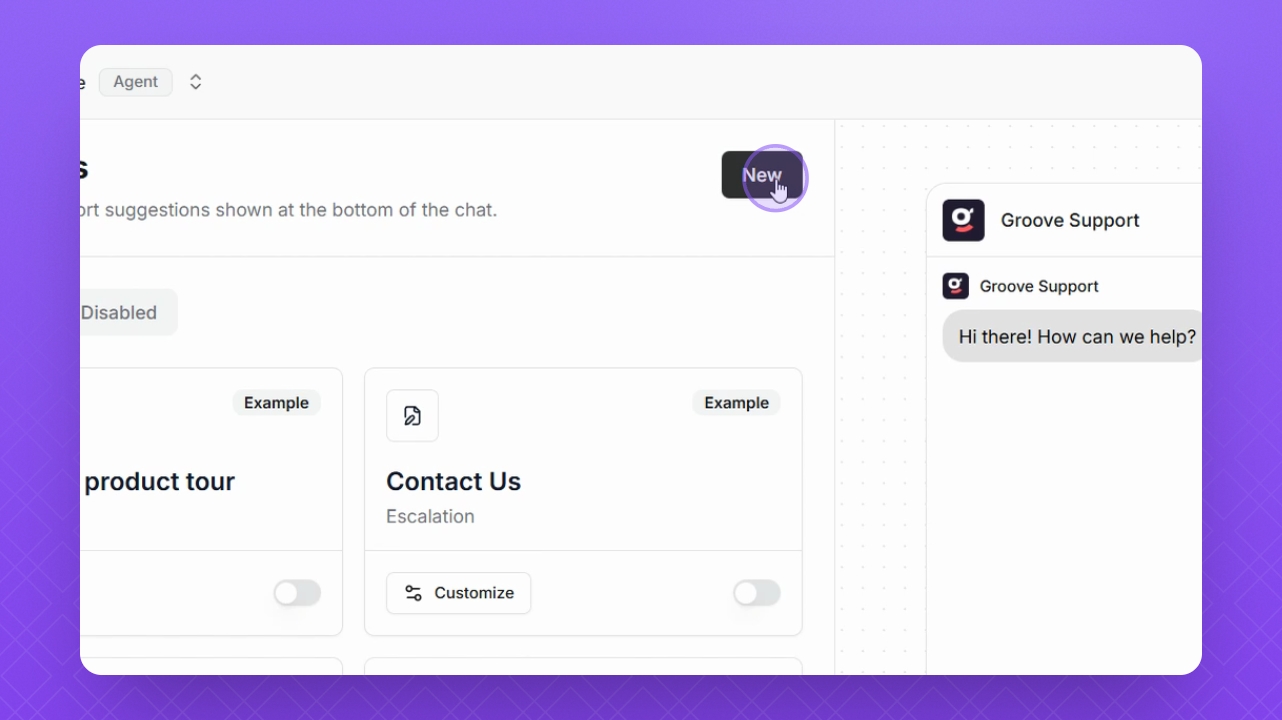
Step 3: Create New Suggestion
Click New in the top right corner to start adding a new suggestion.
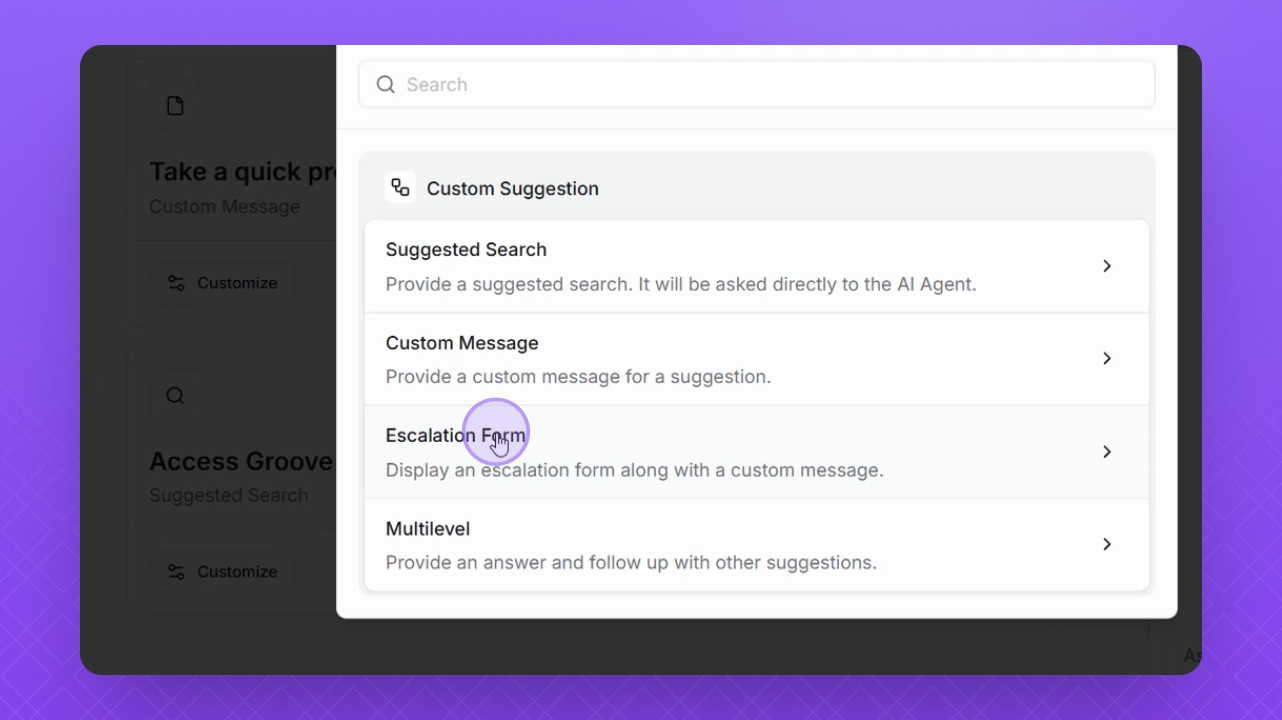
Step 4: Choose Escalation Form
Select Escalation Form as the type of suggestion you want to create.
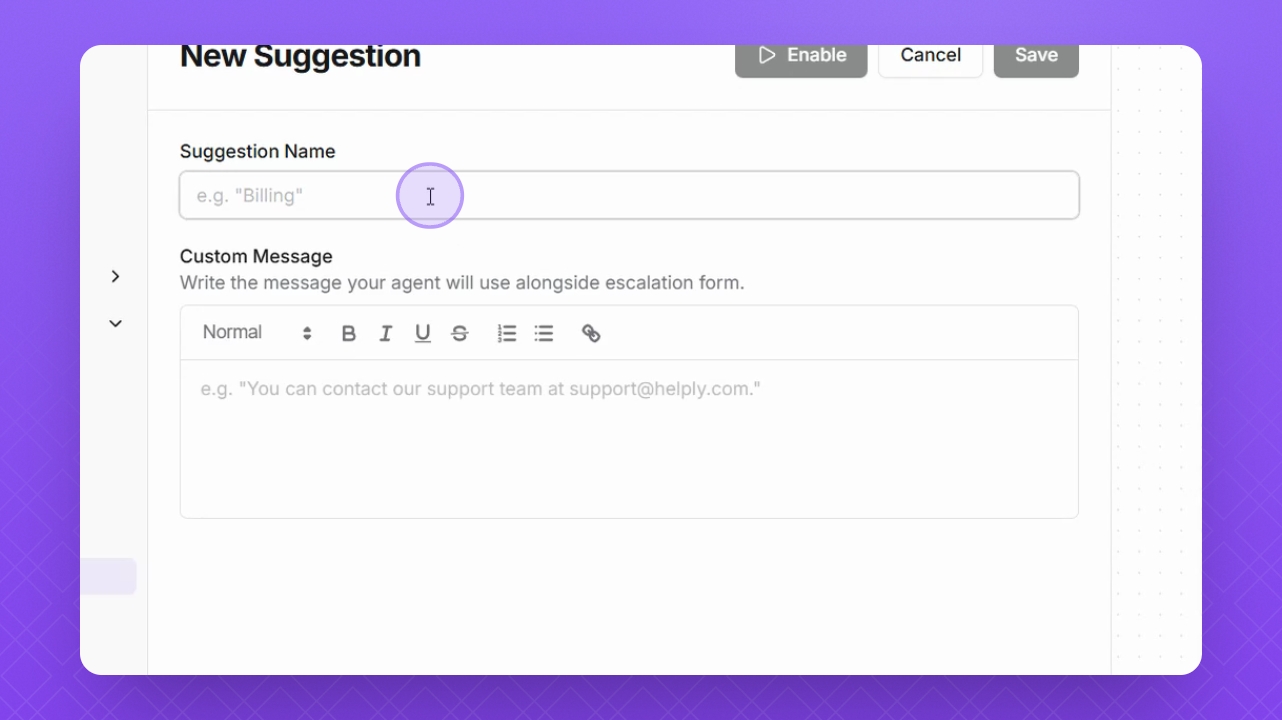
Step 5: Enter Title
Input a title for your Escalation Form.
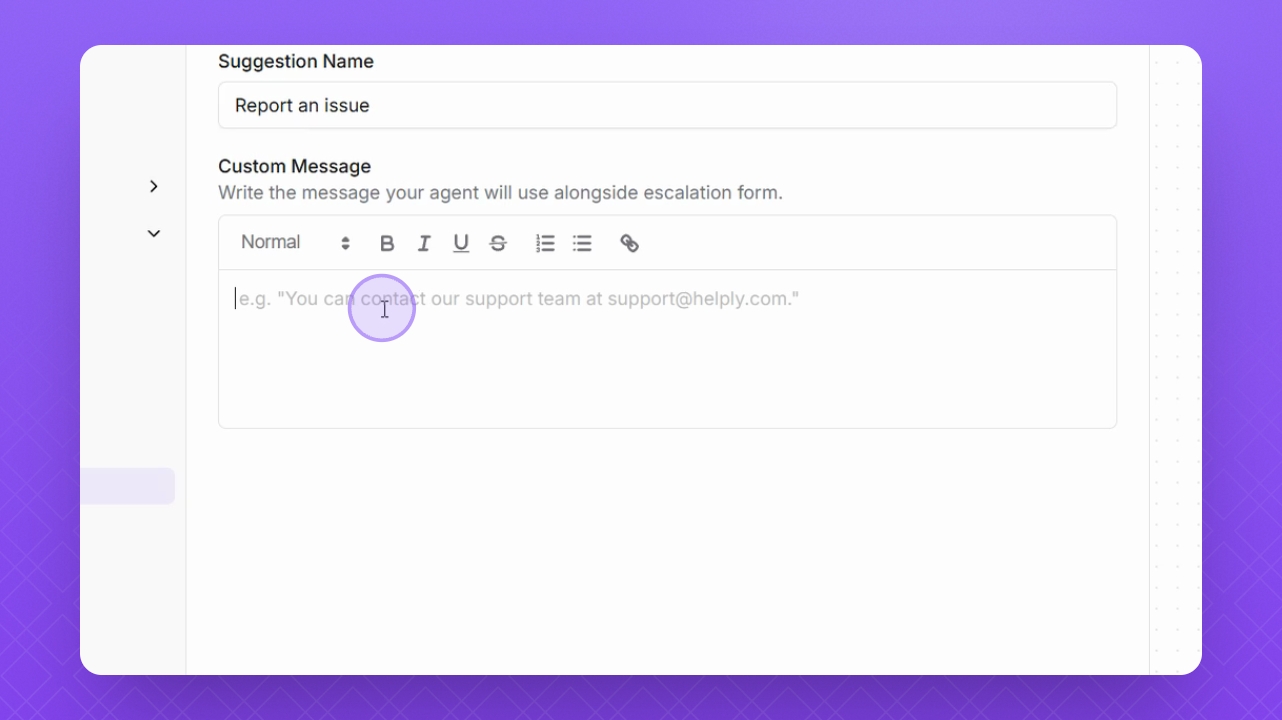
Step 6: Add Custom Message
Add a message in the Custom Message field to guide users.
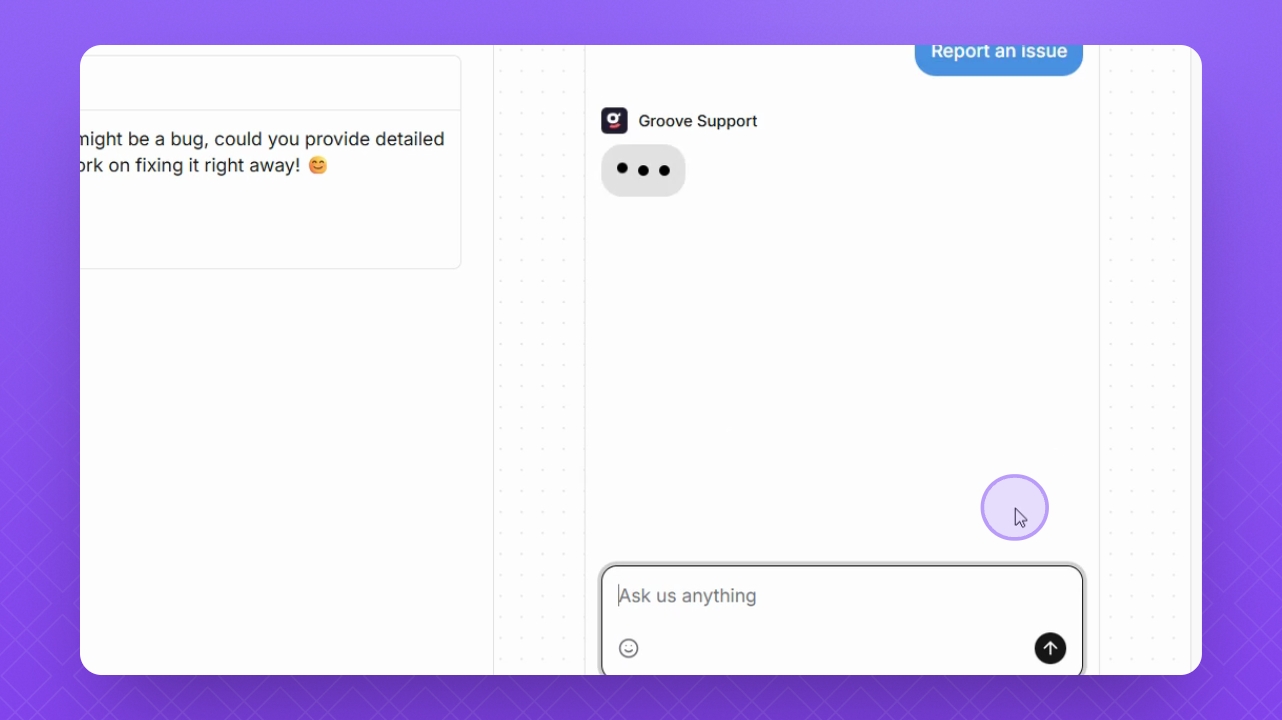
Step 7: Preview Suggestion
Select the Suggestion button in the preview window to test your form.
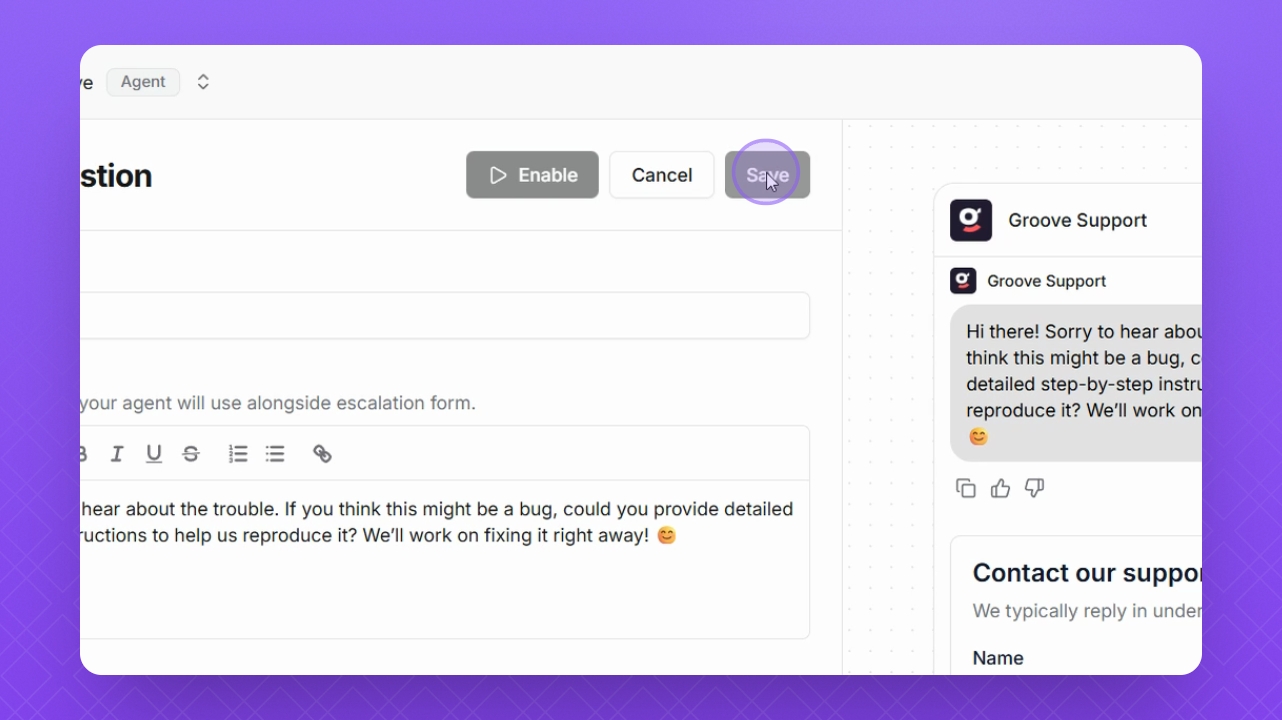
Step 8: Save Changes
Click Save to apply your changes and finalize the form.