
Let's do it together!
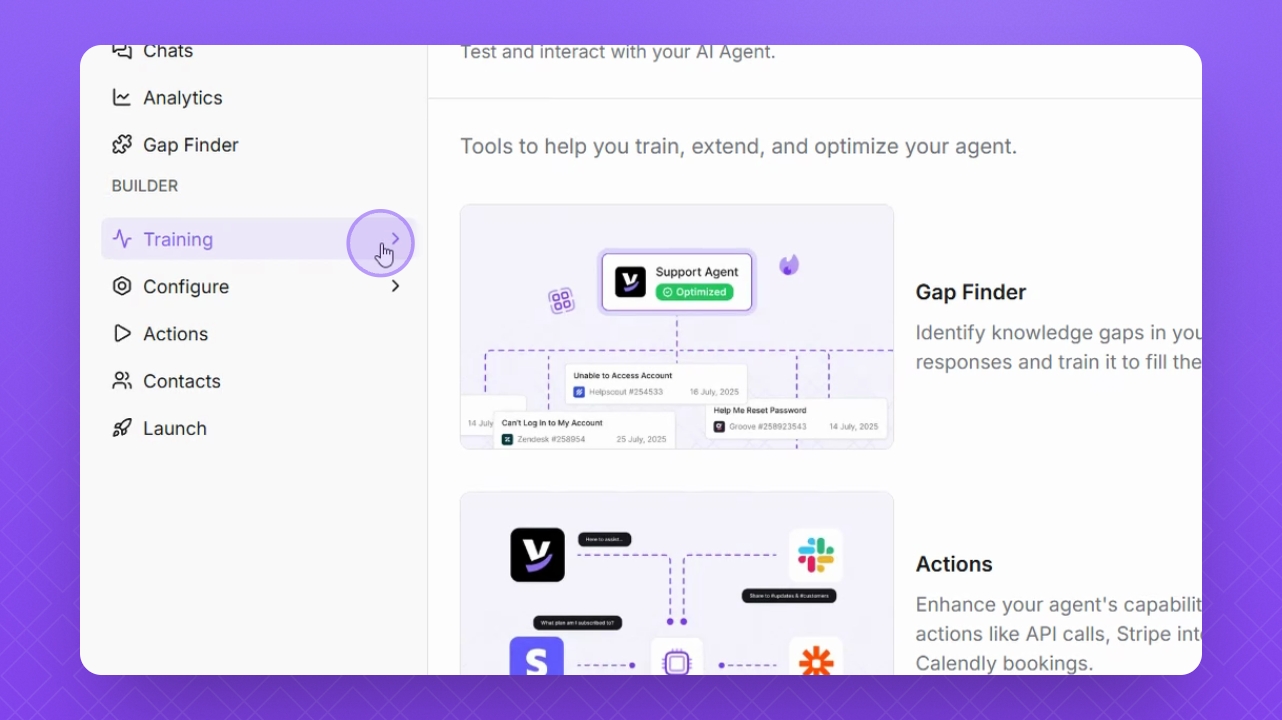
Step 1: Navigate to Training
Navigate to the Training section on the left panel.
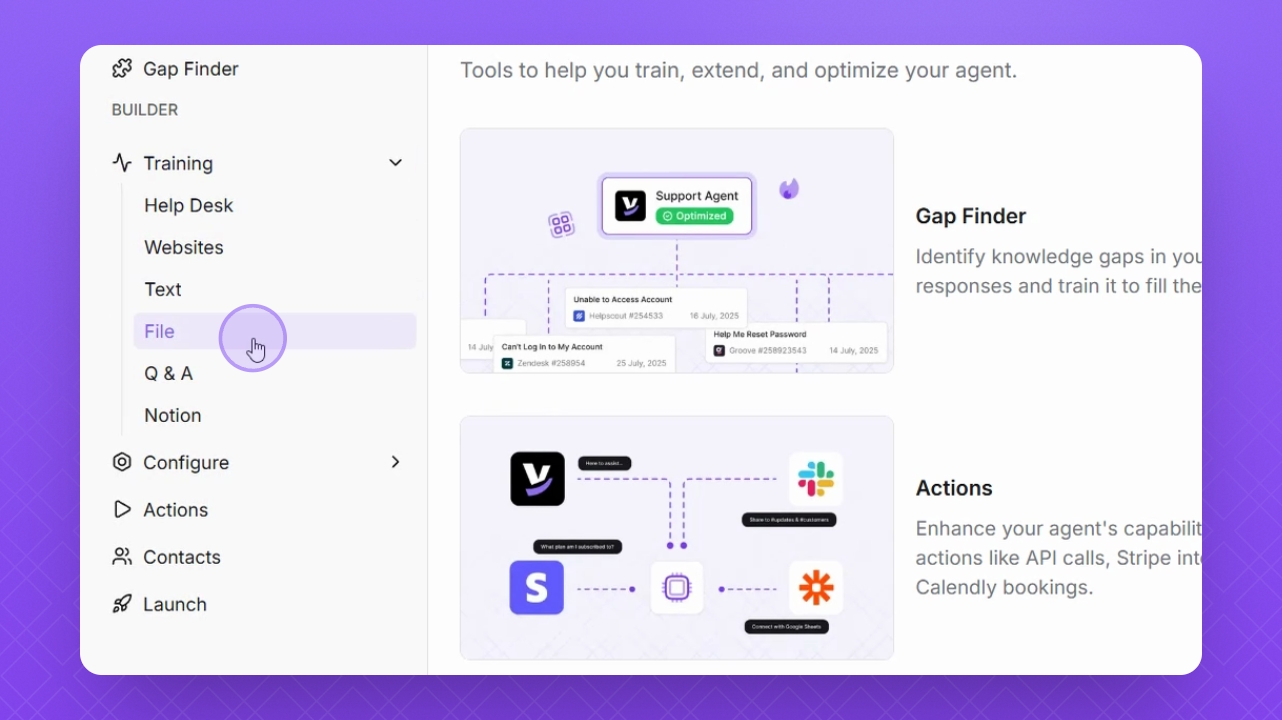
Step 2: Select File
Select File to proceed with uploading documents.
Step 3: Review Supported Types
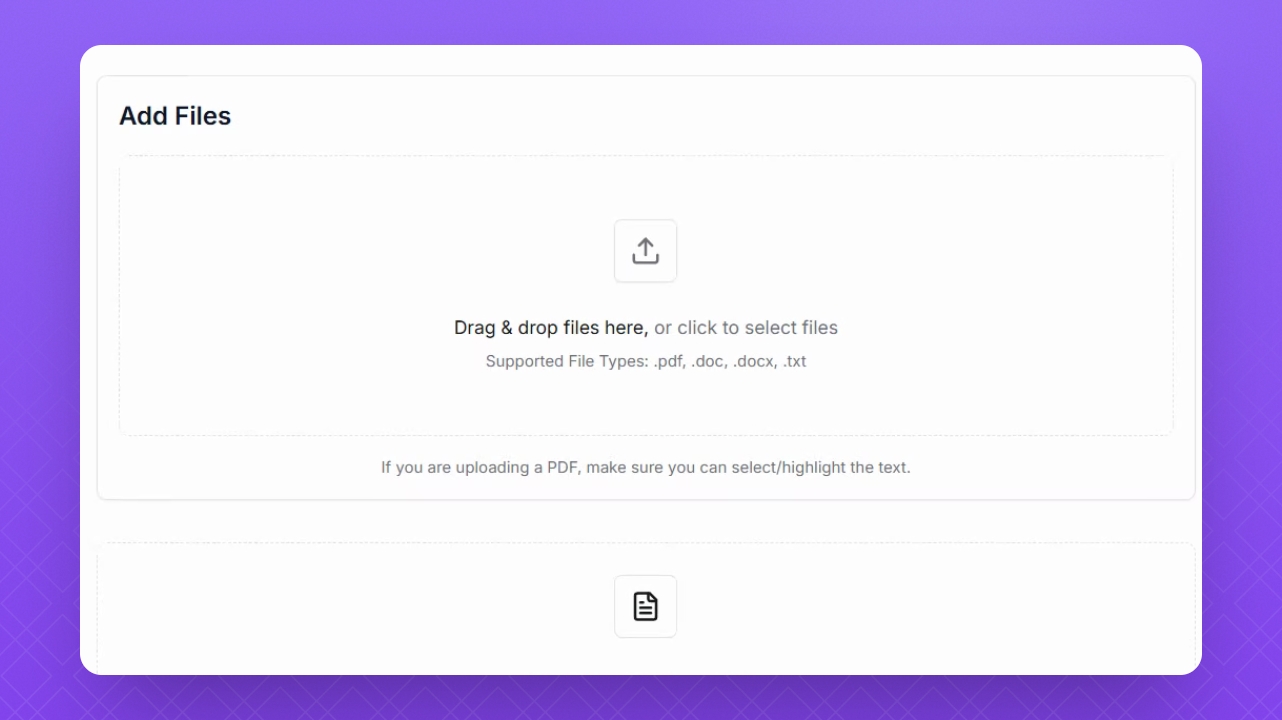
The supported file types are pdf, doc, docx, and txt.
NOTE: When uploading a PDF, ensure you can select and highlight text within the document before uploading.
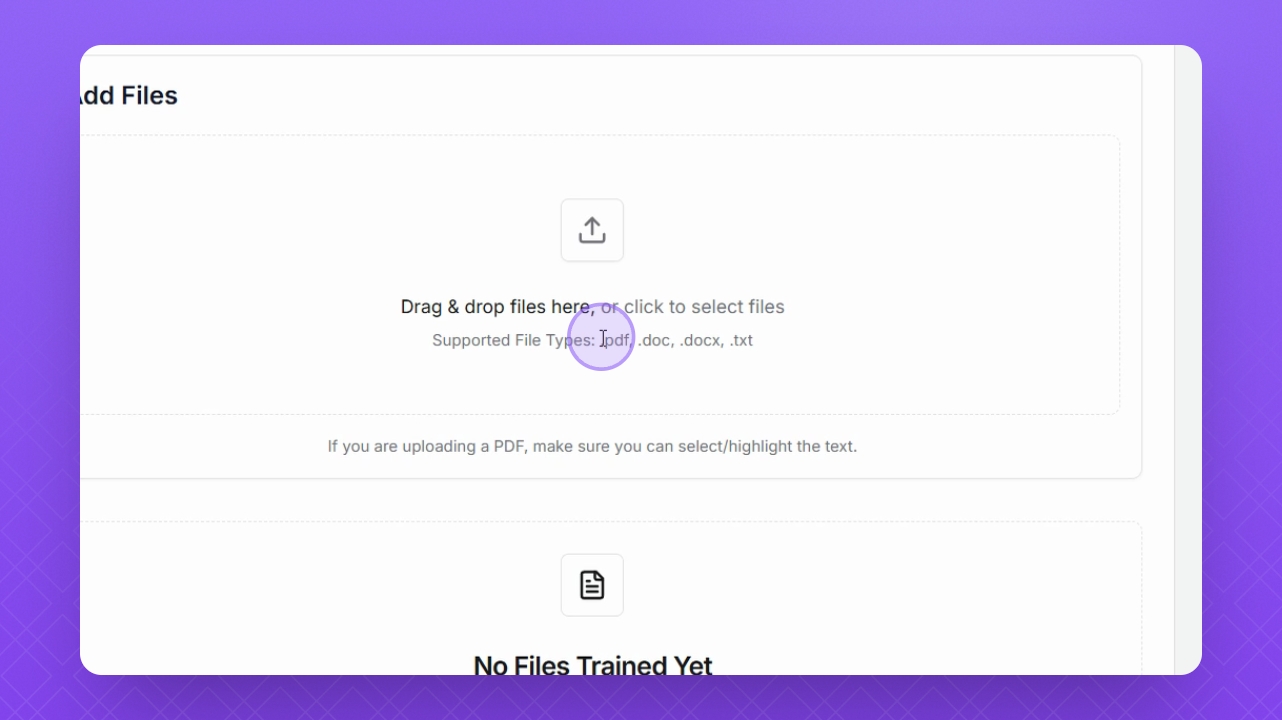
Step 4: Upload Document
Click the Upload button to upload your document. Alternatively, drag and drop your document in the Add Files field.
Step 5: Training the Agent
Once the file is added, Helply will train it to your agent automatically.
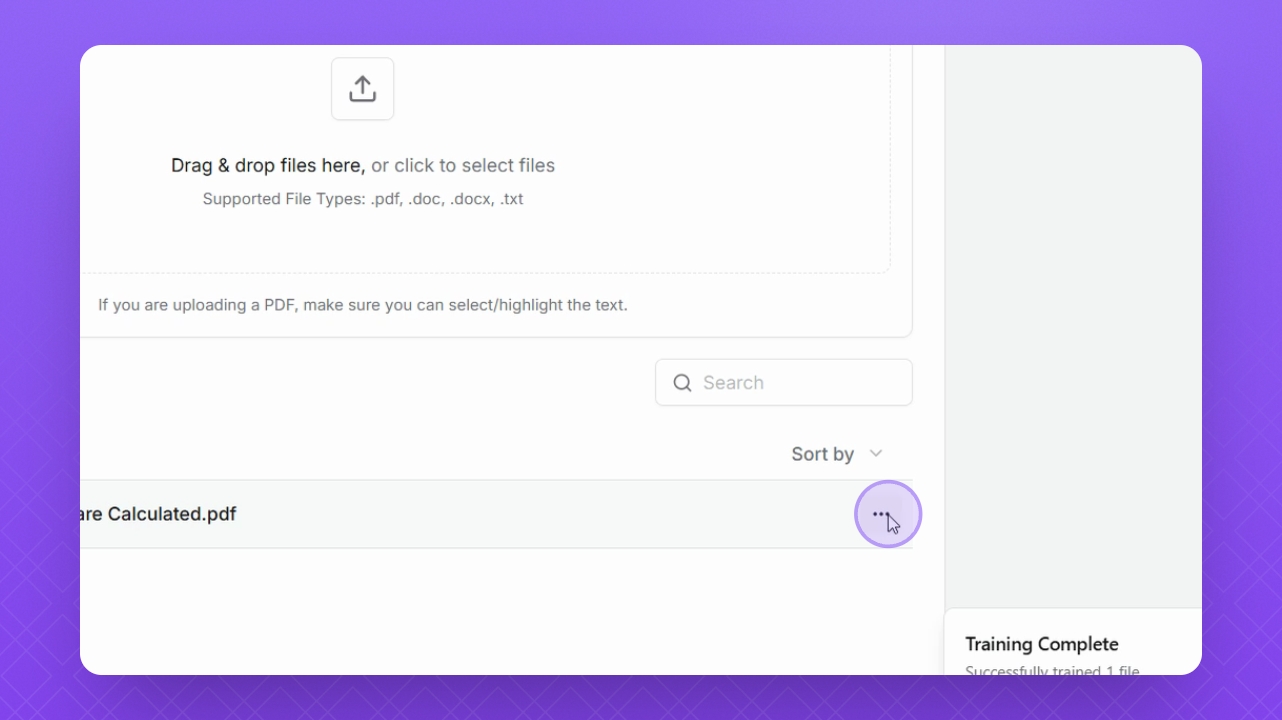
Step 6: Manage Your Files
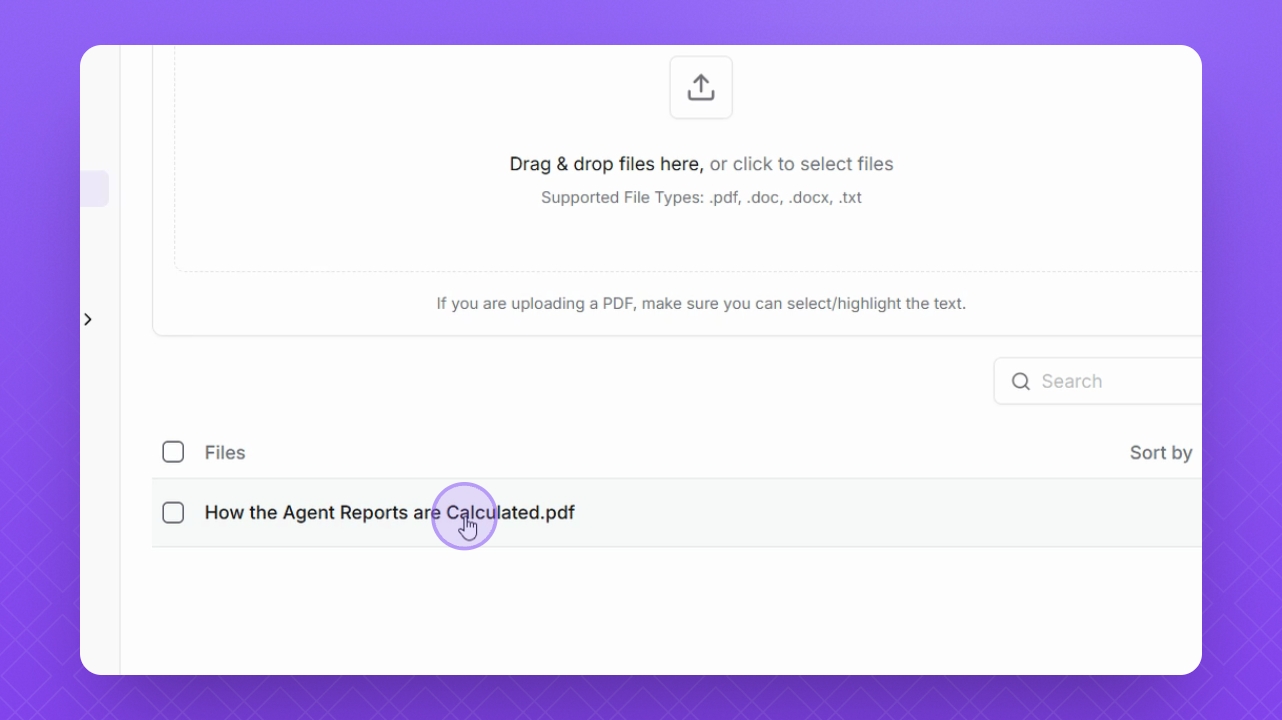
Manage your uploaded files by clicking on them in the list.
Step 7: Delete if Needed
If necessary, delete a file by clicking the three dots and selecting Delete.